What is Microsoft Copilot Studio?
Microsoft Copilot Studio is a tool within Microsoft 365 that allows organisations to create and customise simple Copilot agents using their own data. It is designed for business users to build agents that can answer questions, surface information, and support everyday tasks — without requiring coding or advanced development.
What is the difference between Copilot and Copilot Studio?
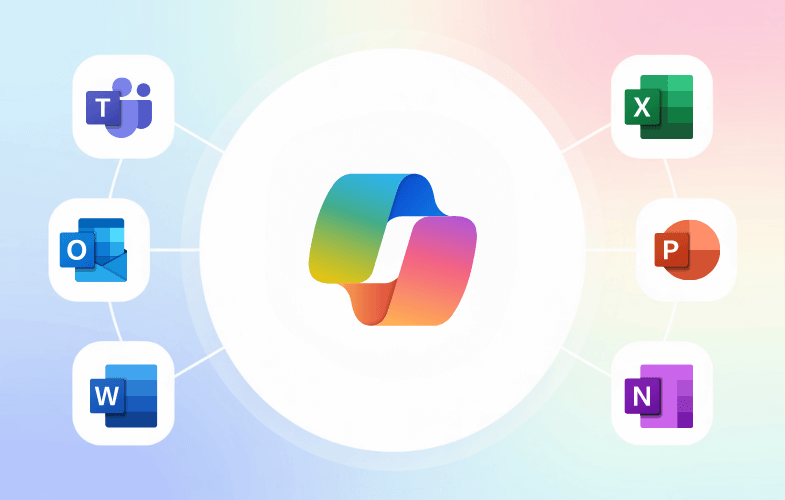
Microsoft Copilot is the AI assistant built into apps like Teams, Outlook, Word and Excel. Copilot Studio is used to create and customise basic Copilot agents, allowing organisations to define behaviour and connect internal knowledge sources for specific use cases.
What will I learn in a Copilot Studio course?
In this beginner-level Copilot Studio course, you will learn how to build, test and share a basic Copilot agent, connect simple knowledge sources, and understand how agents work within Microsoft 365. This course focuses on practical skills rather than advanced development.
Is this course for building advanced AI agents?
No. This course focuses on building simple Copilot agents using Microsoft tools. It does not cover advanced AI agent development, coding, APIs, or custom integrations. It is designed as an entry point for business users.
How do I learn Copilot Studio?
The best way to learn Copilot Studio is through structured, hands-on training. This course guides you step by step through building a basic agent using real-world business scenarios, making it ideal for beginners.
How do I use Copilot Studio in my organisation?
Copilot Studio can be used to create agents that help employees find information, answer common questions, and support internal workflows. In this course, you will learn how to build simple agents that work securely with your organisation’s Microsoft 365 data.
Is Copilot Studio easy to use for beginners?
Yes. Copilot Studio is designed to be accessible for business users with no development background. This course assumes no coding experience and focuses on guided, practical learning.
Is Copilot Studio included with Microsoft Copilot?
Copilot Studio requires specific Microsoft licensing and permissions. This course will help you understand the requirements and how to get access.
Who is Copilot Studio training for?
This course is designed for business users, teams, and organisations exploring Copilot Studio for the first time. It is ideal for HR, IT, Sales, Operations and L&D teams looking for a practical introduction — not developer-level training.
Why would I need Copilot Studio?
Organisations use Copilot Studio to create simple, tailored agents that provide consistent answers, reduce time spent searching for information, and support everyday business processes.
How is this Copilot Studio training course delivered?
This is a one-day, instructor-led course delivered face-to-face or live online. It includes hands-on exercises, guided learning, and a practical project focused on building a basic Copilot agent.



 Copilot for Excel