 Australia
 New Zealand
 Singapore
 Hong Kong
 Malaysia
 Philippines
 Thailand
 Indonesia

As digital storytelling becomes more visual, Adobe After Effects stands out with its unique toolset for creating mesmerising motion graphics and visual effects. If you’re keen to harness the full potential of After Effects, our detailed guide will navigate you through its latest 2024 features, practical techniques, and industry applications, empowering you to craft compelling visual narratives with ease and achieve the desired after-effect.
Exploring Adobe After Effects: A Comprehensive Guide

Adobe After Effects is a digital visual effects, motion graphics, and compositing application that has greatly evolved. With every update, it has become more seamless, more efficient, and more powerful. Its latest release in February 2024 (version 24.2) introduced substantial updates that augment its capabilities, enabling users to create incredible motion graphics and enhance designs produced in Adobe Photoshop, Illustrator, or Premiere Pro.
This software isn’t just limited to the design industry. It has stretched its influence to various sectors including Marketing and Advertising, Information Technology and Services, and Higher Education. Its capabilities in creating dynamic marketing materials, educational content, and enhancing IT presentations have made it an invaluable tool for graphic designers across these sectors.
The Power of Adobe After Effects
Adobe After Effects is a 2.5D animation software that provides vast sets of functionalities to its users. Some of the key features of After Effects include:
-
Text animation
-
Roto scoping
-
Keyframes
-
Setting up pre-compositions
After Effects also offers workspace customisation options and optimisation techniques such as resolution adjustments to improve performance.
One of the distinctive attributes of After Effects is its ability to facilitate 3D animation. It provides users with the capability to manipulate 3D models within the software, integrating 3D elements with 2D resources in compositions. This makes the software ideal for creating animated videos and managing complex animations and effects.
Integration with Other Adobe Products
Seamless integration is a key characteristic of Adobe After Effects, which allows users to:
-
Import compositions into Premiere Pro
-
Smooth asset transfer between the two applications
-
Integrate with Adobe Audition for audio editing and integration into After Effects projects.
The software’s integration with Adobe Photoshop and Illustrator offers the advantage of:
-
Enhancing visual content with advanced selection and masking tools
-
Ability to draw on individual frames
-
Efficient utilisation of vector graphics in After Effects projects
This integration enables graphic designers to create visually stunning motion graphics and animations with ease.
Adobe InDesign provides significant benefits to the creative workflow by facilitating seamless collaboration and asset management between the two programs. After Effects can be used to remove unwanted elements from video footage, such as objects or people, using its advanced compositing tools.
Creating Incredible Motion Graphics with Adobe After Effects
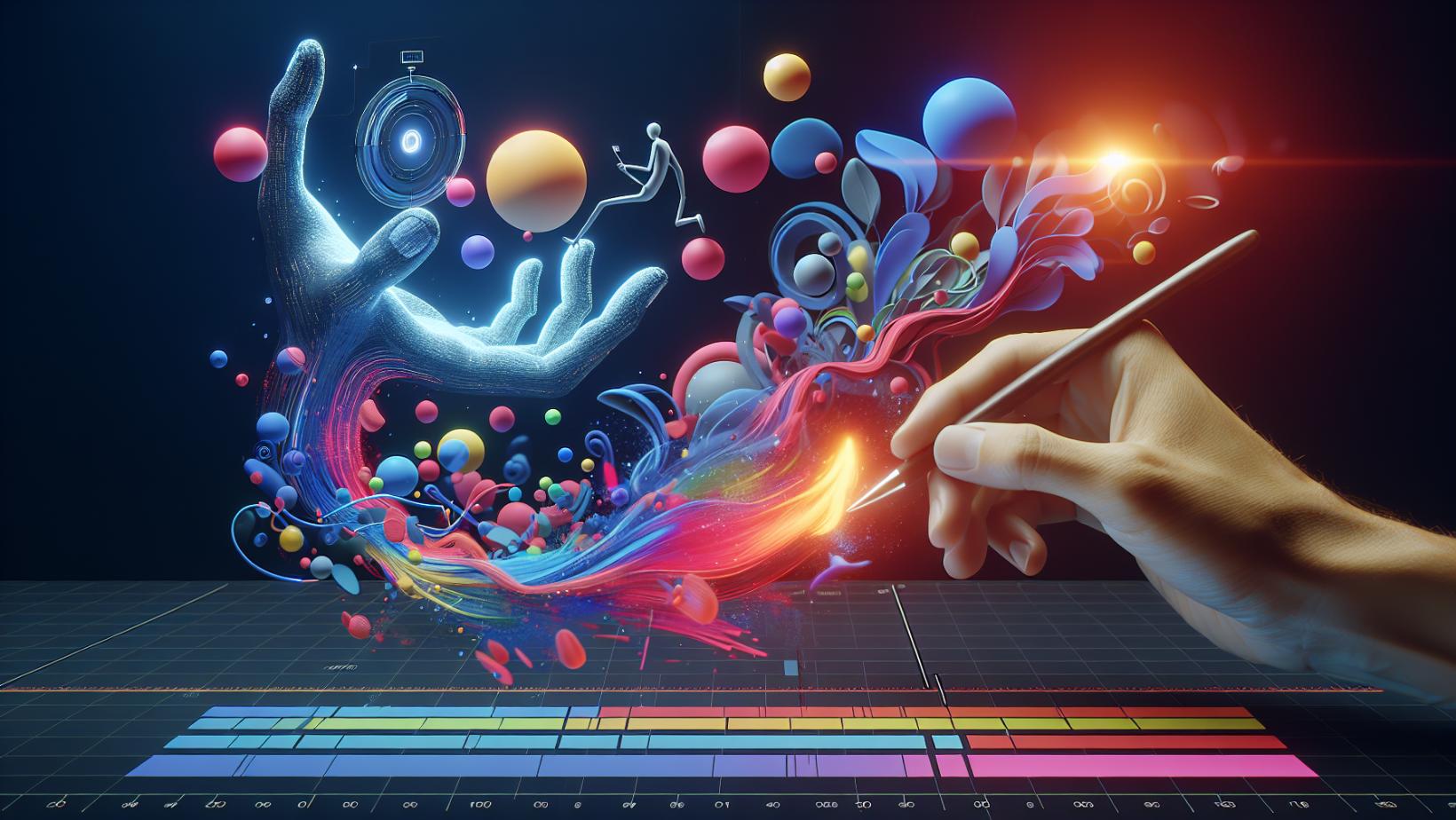
Adobe After Effects allows you to step into the world of motion graphics, providing a platform for creating stunning visual stories. Some key features of After Effects include:
-
Establishing a starting value for the property intended for animation
-
Positioning the playhead at the desired time
-
Managing complex animations and effects
With these features, After Effects provides a comprehensive workflow for creating and managing animations and effects.
The software’s key features include:
-
Ability to manage vector graphics by employing continuous rasterization
-
Transforming vector layers into shape layers that are capable of being animated
-
Enhancing the visual appeal of the final output
-
Empowering users to produce visually captivating and dynamic motion graphics and animations using data files.
Animation Techniques in After Effects

Animation is at the heart of Adobe After Effects. The software provides a range of fundamental animation techniques such as:
-
working with keyframes and expressions
-
stacking animations
-
creating light sweeps
-
quick shape animations
-
animating solid backgrounds
Our company is dedicated to fostering innovation and pushing the boundaries of what is possible. We are proud to have a team of experts who are passionate about their work and are committed to making a difference in the world. Through their hard work and dedication, we have been able to make a significant scientific and technical achievement in various fields, among others.
Creating keyframe animations in Adobe After Effects is a straightforward process. Here are the steps:
-
Select an object.
-
Set the initial keyframe.
-
Move the playhead down the timeline.
-
Adjust the object’s position.
-
After Effects will automatically create the in-between frames to create a smooth animation.
Text animators can be used to animate text, and shape layers serve a crucial role in animation by enabling the animation of individual objects within a shape layer.
Compositing and Visual Effects
In the realm of visual effects, Adobe After Effects stands tall with its advanced compositing capabilities. Compositing refers to the process of integrating multiple visual elements to create a unified and seamless composition.
After Effects offers an extensive range of VFX tools, such as green screen keying, particle systems, and advanced tracking features, making it a comprehensive tool for integrating and modifying visual effects in motion design projects. It can also be utilised for creating and incorporating a range of effects within a 3D environment, ultimately enriching the visual appeal of animations.
Mastering the Learning Curve: Tips for Beginners
For beginners looking to begin their journey with Adobe After Effects, it is essential to explore online resources. These include the Adobe Creative Cloud website, which offers tutorials covering a wide range of features and effects. Platforms like WikiHow also provide detailed guides for creating and importing files, setting up compositions, and utilising animations, effects, and presets.
However, beginners might face challenges while navigating the project, composition, and timeline panels which can hinder their workflow. They may also experience crashes related to GPU acceleration or video card issues. It is, therefore, crucial for them to familiarise themselves with the functions of the panels and to verify that the video card and GPU settings are correctly configured.
Mastering fundamental video editing skills in Adobe After Effects can help overcome these challenges. These skills include:
-
Understanding the user interface
-
Working efficiently with layers and keyframes
-
Applying effects and presets
-
Animating text
-
Using basic motion tracking
Essential Tutorials and Courses
For those who prefer structured learning, there are plenty of recommended resources for beginner tutorials for Adobe After Effects. These include:
-
The tutorials on the Adobe Creative Cloud website
-
The Beginner’s Guide To Adobe After Effects playlist on YouTube
-
The beginner tutorials on Creative Bloq
-
The free course ‘After Effects for Beginners’ on Tuts+
Several online platforms that offer courses for mastering Adobe After Effects include:
-
Motion Design School
-
American Graphics Institute
-
School of Motion
-
Noble Desktop
Apart from these paid courses, numerous complimentary courses and tutorials are also accessible for acquiring skills in Adobe After Effects. Completing a certified course can be advantageous as it showcases proficiency and commitment to mastering the software, and offers industry-recognised certification for visual effects and motion graphics.
Tips for Faster Workflow
To enhance workflow efficiency in Adobe After Effects, one can:
-
Improve the computer system
-
Optimise After Effects settings
-
Optimise the project
-
Utilise keyframe automation
Integration of After Effects compositions directly into Premiere Pro can expedite graphic workflows.
In Adobe After Effects, users have the option to optimise their workspace for increased workflow efficiency by using workspaces, creating a personalised workspace, effortlessly relocating items to the root of the project panel, exchanging footage layers, and generating and exporting customised layouts.
After Effects also offers a range of tools and features specifically crafted to enhance workflow such as Smart Keyframe Navigator, Declutter, True Comp Duplicator, Solo Layers for RAM Previews, Close Unused Panels, and Video Copilot’s FX Console Plug-In.
Enhancing After Effects with Plugins and Extensions
Plugins and extensions play a crucial role in enhancing the functionality of Adobe After Effects by integrating additional capabilities and features into the software. Installing plugins in Adobe After Effects involves locating the plugin files you downloaded, double-clicking on the file to install it, and then restarting After Effects.
Managing and updating extensions in Adobe After Effects involves the following steps:
-
Upgrade the extension.
-
Make configuration changes in the Extension Configuration screen.
-
Save the changes.
-
Download the plug-ins.
-
Unzip the plug-ins if necessary.
-
Install the plug-ins in After Effects.
Top Plugins for Motion Designers
There are several plugins for Adobe After Effects popular among motion designers. These include:
-
Video Copilot - Optical Flares
-
Video Copilot - Element 3D V2.2
-
RowByte - Plexus 3
-
REDGIANT - Trapcode Particular
-
REDGIANT - Trapcode Form
-
Yanobox’s Nodes 3
-
Overlord
-
Newton
-
Lazy
-
Flow
-
Animation Composer
-
RTFX
-
Video Copilot’s FX Console
-
Video Copilot Saber
-
Pixel
-
Duik Bassel.2 by RxLaboratory
-
Trapcode Suite
-
Boris FX Sapphire
-
Pixflow Motion Factory
-
AEScripts + AEPlugins
The Red Giant Universe plugin contributes to enhancing motion design in Adobe After Effects by offering a range of GPU-accelerated effects and transitions plugins designed for editors and motion graphics artists.
Optical Flares has gained recognition as a top plugin for its ability to produce remarkable lens flares with intricate control settings and unparalleled flexibility.
Element 3D offers real-time display and animation of 3D objects, GPU optimisation, and precise visual representation.
The Trapcode Particular plugin is designed to enhance animation by enabling the integration of particles into compositions, thereby elevating the quality of motion graphics.
Installing and Managing Extensions
Installing extensions in Adobe After Effects involves the following steps:
-
Download the plug-ins.
-
Unzip the files if required.
-
Locate the desired plug-ins.
-
Use the ZXP/UXP Installer from AE scripts + AE plugins to install the plug-ins. Alternatively, you can manually copy the .aex file to the Adobe After Effects Plugins folder on your PC or Mac and then restart After Effects.
To manage extensions in Adobe After Effects, follow these steps:
-
Open the application and go to the File menu.
-
Select Scripts.
-
From the Scripts menu, you can access and manage your extensions.
-
To update extensions, choose ‘Upgrade’.
-
This will open the Extension Configuration screen, where you can make configuration changes and save them accordingly.
In the event of a non-functional extension, it is advisable to first verify compatibility with the After Effects version or attempt a software restart. If these measures prove ineffective, seeking guidance from the Adobe After Effects community or the extension developer is recommended for further assistance.
Adobe After Effects Pricing and Plans
Adobe After Effects offers three primary subscription plans: Individual ($31.49 per month), Students and Teachers ($19.99 per month), and Business ($35.99 per month per license). Further, as part of the Creative Cloud All Apps plan, After Effects can be accessed for A$87.99/month, with a discounted price of A$21.99/month for the first year.
Students and educators are eligible for a discount of over 60% on the Adobe Creative Cloud, which encompasses Adobe After Effects as part of the suite. Additionally, Adobe occasionally provides promotional deals and bundle discounts for Adobe After Effects, which can be accessed through their official list of coupon codes, promos, and special offers, including effects pricing Adobe deals.
Subscription Options and Discounts
Adobe After Effects offers various subscription options, including a monthly subscription for $31.49, an annual subscription for $20.99 per month (paid monthly), or a prepaid annual subscription for $239.88. After Effects subscriptions are billed on a monthly basis and will continue to automatically renew each month until they are cancelled.
Students and teachers are eligible for a discount of over 60% on Adobe Creative Cloud, which includes Adobe After Effects. Additionally, there is a limited-time offer that extends a student discount to 65% off. Adobe After Effects also provides seasonal discounts and promotions. Official Adobe coupon codes, promos, special offers, and discounts can be found on their website.
During the back-to-school season, discounts of 40% off for the first year of memberships and savings of 40-70% with an Adobe Creative Cloud discount are available.
Comparing Adobe Creative Cloud Plans
The Adobe Creative Cloud plans that encompass Adobe After Effects are the Creative Cloud All Apps plan and the Creative Cloud All Apps for Individuals plan. Every Adobe Creative Cloud plan offers access to a range of desktop applications, storage space, and file syncing and sharing capabilities. The Creative Cloud All Apps plan, in particular, encompasses over 20 applications covering various areas such as photography, video, design, web, UX, and social media.
The pricing for Adobe Creative Cloud plans varies:
-
Individual plans start at A$21.99/mo for the first year and A$43.99/mo after that, or A$263.87/yr for the first year and A$527.87/yr for subsequent years.
-
For teams, the Creative Cloud All Apps plan starts at A$128.99/mo per license.
-
Single-app subscriptions like the Photoshop plan start at A$379.10/yr.
However, while Adobe Creative Cloud plans offer a competitive initial cost, a comprehensive array of premium creative tools, and cloud storage, they may have irregular interface coordination among various software applications and lack alternatives to individually purchase applications outright.
Real-Life Applications of Adobe After Effects
Adobe After Effects is widely utilised in the film industry for post-production activities such as generating visual effects, motion graphics, and compositing. Its contribution to the progression of visual effects in the industry has been substantial, as it has adapted alongside the visual effects sector, contributing to the innovation and production of films.
In addition to film, Adobe After Effects is also used in television production for post-production tasks such as adding visual effects and improving video content, thereby ensuring a high production standard and captivating visual experiences for television viewers.
Adobe After Effects enables users to produce a diverse range of content, including:
-
Video ads
-
Social media videos
-
Motion graphics
-
Animations
-
Visual effects
-
Media manipulation within projects
For instance, the case study of Xero adeptly utilised Adobe After Effects in their social media campaigns, showcasing the software’s ability to produce engaging visual content that resonates with audiences on social media platforms.
Film and Television

Adobe After Effects is commonly utilised in film post-production to align files with video, incorporate visual effects, and implement a range of effects to elevate the end result. Its key features provide significant benefits for film and television production by providing the ability to enhance visuals, create motion graphics, add special effects, and facilitate the creation of special effects, animation, and video compositing.
Notable films and television shows that have utilised After Effects include:
-
Fumiko no kokuhaku (2009)
-
After Effects Sunday Stream (2016–)
-
Blaque (2020)
-
Blaque (I) (2020)
-
Defri Juliant: Ibu (Lyric Video) (2022 Music)
Additionally, it has been employed in films such as Fantastic Beasts and Where to Find Them, showcasing its versatility and capability to contribute to the innovation and production of films.
Digital Marketing and Social Media
Adobe After Effects has proven to be an indispensable tool for the production of captivating visual content. Some of the ways After Effects can be used include:
-
Producing dynamic video ads
-
Creating engaging social media posts
-
Designing eye-catching animations
-
Adding special effects to videos
-
Enhancing the visual appeal of websites
After Effects provides the tools necessary to captivate audiences and promote engagement.
Numerous examples of social media content created with Adobe After Effects include:
-
Videos incorporating motion
-
Personalised templates for social media posts
-
Animated improvements for static design projects on various platforms such as TikTok, Instagram, and Facebook
Additionally, it’s not just about creating visually stunning content, but also about improving engagement rates on social media.
By creating more engaging video posts through animation, capturing viewers’ attention, effectively conveying messages, and adding audio that complements the visual elements, Adobe After Effects can enhance social media engagement.
Start Your AE Journey with Nexacu
Ready to harness the full power of Adobe After Effects and transform your creative ideas into captivating visual narratives? Look no further! Enrol at Nexacu today and kick-start your journey in mastering motion graphics and visual effects.
With the latest updates, seamless integration with other Adobe products, and the ability to enhance your projects with plugins and extensions, Adobe After Effects is your gateway to creating stunning visual content. Start your Adobe After Effects course with Nexacu now!
Frequently Asked Questions
Is Adobe After Effects free to use?
No, Adobe After Effects is not free to use. However, it does offer a free trial, and the paid version starts at A$48.01 per month.
How hard is it to learn After Effects?
Learning After Effects can be challenging, especially for beginners without prior experience in video editing or animation. It requires a solid understanding of linear video, 3D animation, and special effects.
Is After Effects better than Premiere Pro?
Both Premiere Pro and After Effects are valuable tools, with Premiere Pro being great for video editing and After Effects excelling in motion graphics and animation. They work well together and are often used in conjunction to create impressive video projects.
What are the primary applications of Adobe After Effects within the film industry?
Adobe After Effects is extensively used in the film industry, particularly for tasks like creating visual effects, motion graphics, and compositing during post-production. Its significant contribution to the advancement of visual effects in the industry has been noteworthy.
What subscription options does Adobe After Effects offer?
Adobe After Effects offers a monthly subscription for A$48.01, an annual subscription for A$31.99 per month (paid monthly), or a prepaid annual subscription for A$365.64. Choose the option that best suits your needs and budget.
























