 Australia
 New Zealand
 Singapore
 Hong Kong
 Malaysia
 Philippines
 Thailand
 Indonesia
Debating whether Adobe Acrobat Pro fits the bill for your document-handling needs? This straightforward guide will dissect the primary functions and price points of Acrobat Pro to determine “Is Adobe Acrobat Pro worth it?”. Without any sales pitches, we’ll help you weigh its advanced editing capabilities and security features against its cost and standard versions, equipping you with the knowledge to make a sound decision.
Assessing Adobe Acrobat Pro's Features
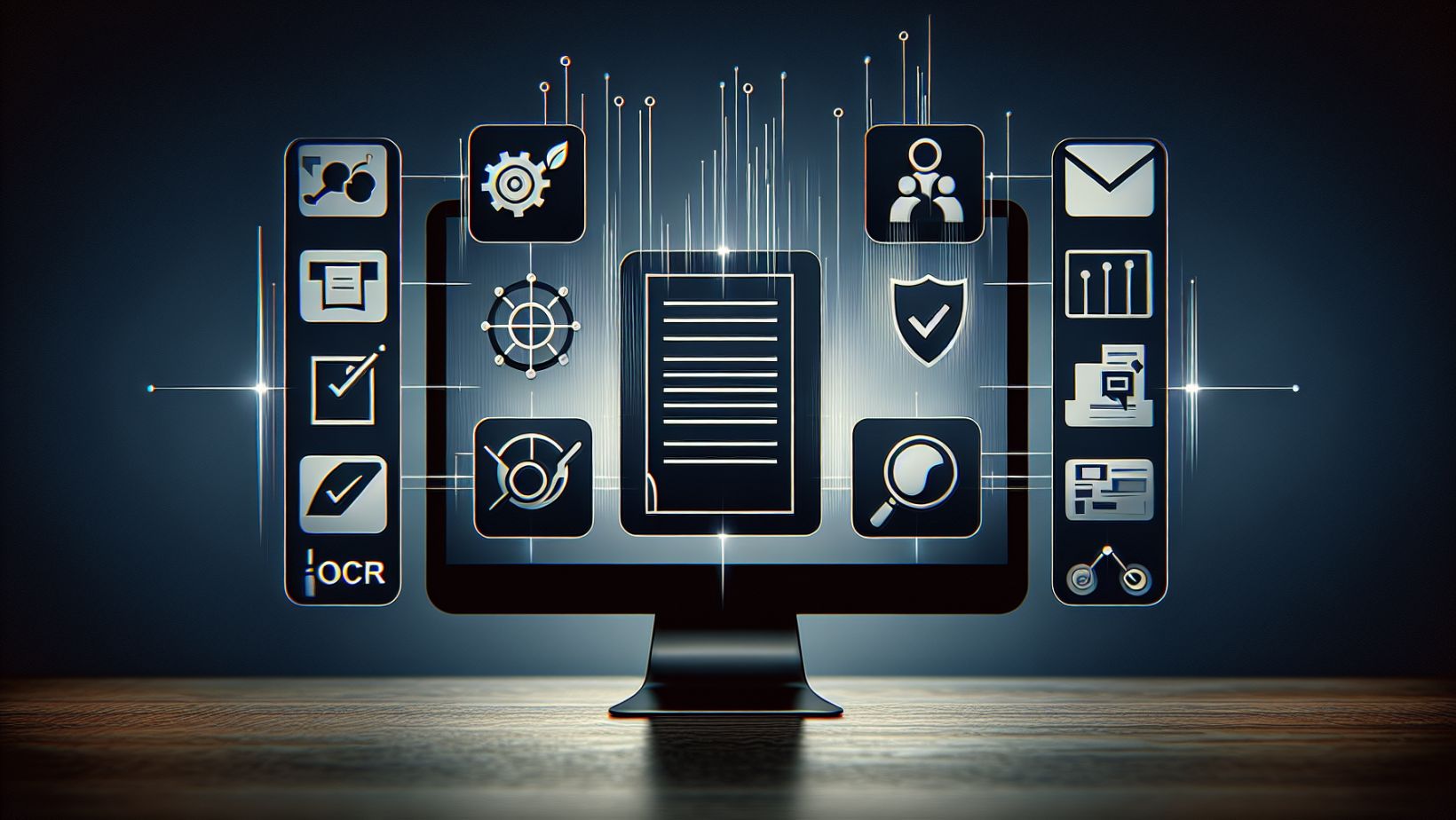
Adobe Acrobat Pro stands out among other PDF tools with a robust set of features designed to tackle any PDF challenge. Some of the key features of Adobe Acrobat Pro include:
-
Intricate editing capabilities
-
Enhancing document security
-
Creating fillable forms
-
Converting files to different formats
-
Collaborating and reviewing documents
-
Adding digital signatures
Acrobat Pro provides an all-encompassing solution that has become the go-to for professionals across various industries.
Whether it’s creating accessible documents with OCR technology or ensuring confidentiality with advanced redaction tools, the software’s capabilities extend well beyond the basic functionalities of Acrobat Reader and other online PDF editors.
Optical Character Recognition (OCR)
The OCR technology of Adobe Acrobat Pro can effortlessly transform a pile of paper documents into a searchable, editable digital library. By converting scanned documents into machine-readable PDFs, Acrobat Pro makes it possible to breathe new life into old documents. Users can seamlessly search, edit, and share this digitised content, greatly improving the usability of scanned material and effortlessly converting PDFs.
Pairing with the Adobe Scan app, the OCR feature ensures that even documents captured on a mobile phone come out ready for immediate editing, which is a game-changer for professionals on the go.
Redaction Tools
Given the immense importance of privacy and confidentiality today, the redaction tools of Acrobat Pro prove to be invaluable. The ability to permanently remove sensitive information from PDF files ensures that private data stays that way. Acrobat Pro offers a comprehensive redaction feature, including advanced capabilities like searching for specific words or phrases to redact, and the ability to customise redacted areas with colour and overlay text.
These tools provide the level of detail necessary for sensitive Word documents such as legal contracts, financial records, and confidential reports.
File Comparison and Editing
Acrobat Pro’s file comparison feature excels in preserving document integrity across different versions. It enables precise identification of changes between document revisions, providing side-by-side views and detailed reports that can be summarised in a PDF for easy sharing and review.
This feature, along with the ability to edit PDFs, edit text, and images within a PDF, including font changes and image adjustments, makes Acrobat Pro a powerful ally for professionals who need to manage PDF text and document structure meticulously, similar to the capabilities of Microsoft Word and the convenience of an online pdf editor.
Analysing the Cost of Adobe Acrobat Pro

Cost plays a pivotal role when deciding to adopt any software. Adobe Acrobat Pro offers a flexible pricing model, with options for monthly subscriptions or a permanent license. For users who prefer ongoing access to the latest features and updates, the monthly subscription plans provide a cost-effective solution.
On the other hand, the permanent-license version is a one-time purchase that might appeal to those who wish to avoid recurring fees, albeit at the expense of regular updates and some cloud-based features.
Monthly Subscription Plans
Designed to accommodate various user commitments, the monthly subscription plans for Adobe Acrobat Pro offer flexibility. Those willing to commit to a one-year contract can enjoy a lower monthly rate, while others may opt for the flexibility of a month-to-month subscription at a higher rate.
Adobe Acrobat Standard, the less feature-rich counterpart, also presents its own set of subscription options, offering a more affordable solution for users who do not require the advanced functionalities of Pro.
Permanent-License Versions
Permanent-license versions of Acrobat Pro and Acrobat Standard are at the disposal of users who favour a one-time investment. These versions allow for continued use of the software without additional costs, providing a potential long-term cost-saving benefit.
However, it’s important to note that these versions may not receive the same frequent updates and do not include some of the cloud-based features or customer support services available with subscriptions.
Adobe Acrobat Pro vs. Acrobat Standard

To make an informed decision, it’s crucial to comprehend the differences between Acrobat Pro and Acrobat Standard. Acrobat Pro boasts advanced features such as branding capabilities and sophisticated editing tools, making it the clear choice for professionals who need more than just the basics. These advanced functionalities, which are not available in Acrobat Standard, justify Acrobat Pro’s higher pricing for those who demand comprehensive PDF solutions.
Ease of Use and Compatibility

The effectiveness of a powerful tool hinges on its ease of use and compatibility. Adobe Acrobat Pro excels in both, with a user-friendly interface that is consistent across both desktop and mobile platforms.
Compatible with major operating systems such as Windows and Mac, as well as popular web browsers, Acrobat Pro ensures that users can access and manage their PDFs, including PDF files, with ease, regardless of their device or platform of choice. Adobe Acrobat Reader, a complementary software to Acrobat Pro, also contributes to this seamless experience in handling documents in PDF format, including the creation and management of PDF forms.
Collaboration and Cloud Storage

Adobe Acrobat Pro’s integration with cloud services offers a substantial advantage where collaboration is crucial. The ability to edit documents in real-time with multiple users, coupled with flexible digital signing options, streamlines the document management process.
Cloud storage via Adobe’s Document Cloud facilitates not only document sharing but also ensures that users can sign documents and sign forms with consistent digital signatures across platforms, enhancing the overall workflow.
Trust and Security Considerations
Adobe Acrobat Pro offers a secure environment for handling sensitive information, with features such as:
-
The Sanitise Document tool
-
Password protect capabilities
-
Encryption
-
Compliance with industry standards
-
Advanced security measures such as end-to-end encryption and audit trails
These features establish Acrobat Pro as a trusted solution for professionals concerned with the security of PDF documents.
Comparing Adobe Acrobat Pro Alternatives
Despite Adobe Acrobat Pro’s leadership in the PDF editing space, considering alternatives is worthwhile. Kofax Power PDF, Nitro PDF Pro, and Foxit PDF Editor each offer unique features and pricing models that may appeal to different users. From perpetual licenses to integration with digital management systems, these alternatives present their own advantages and drawbacks, providing options for those looking for something different from Acrobat Pro.
Real-World Applications
Adobe Acrobat Pro’s real-world applications are vast and varied, supporting professionals across numerous industries. From sales to HR, legal to finance, and education to environmental sustainability, Acrobat Pro proves to be an invaluable tool. Its ability to streamline processes, enhance collaboration, and promote digital innovation is evident in the way it transforms day-to-day operations.
Learn Adobe With Us
Adobe Acrobat Pro stands as a robust and versatile PDF editing tool that caters to a wide range of professional needs. With its advanced features, user-friendly interface, collaboration capabilities, and stringent security measures, it is clear why so many individuals and organisations rely on Acrobat Pro.
Whether you opt for a subscription model or a permanent license, Acrobat Pro is a worthy investment for anyone looking to take their document management to the next level.
Are you prepared to unlock the full potential of Adobe Acrobat Pro? Our Adobe courses can help you master this powerful PDF editing solution. Whether you’re a beginner or a pro, our seasoned trainers will ensure that you can make the most out of Acrobat Pro’s extensive feature set.
Frequently Asked Questions
Is it worth getting Adobe Acrobat Pro?
Adobe Acrobat Pro offers a wide range of features and is easy to use, making it worth the investment for its capabilities and flexibility. Users also benefit from its quick conversion of PDF to other formats and seamless integration with other Adobe apps.
Do I really need Adobe Acrobat Pro?
Acrobat Reader is a free option that provides essential PDF functionalities such as viewing, signing, printing, and annotating documents. However, Acrobat Pro offers advanced editing and management capabilities that may be necessary for specific scenarios. So yes, you may need it depending on your workflow.
Why is Acrobat Pro so expensive?
Adobe Acrobat Pro is expensive because its pricing reflects its advanced capabilities and professional standards.
Can I get Adobe Acrobat Pro for free?
Yes, you can get a free trial of Adobe Acrobat Pro for 7 days to access its full features and capabilities.
What is the main advantage of Adobe Acrobat Pro's OCR technology?
The main advantage of Adobe Acrobat Pro's OCR technology is that it converts scanned documents into editable and searchable PDFs, significantly enhancing the usability of digitized paper documents.
























