

Struggling to turn HTML code into eye-catching websites? This “CSS essentials: A beginner’s guide” delivers CSS essentials to kickstart your journey. Expect to learn exactly what styles, selectors, and layouts will make your web pages stand out, all presented in a concise, easy-to-understand format.
Understanding the Basics of CSS
CSS, or cascading style sheets, is the stylistic companion to HTML’s structural essence. It’s through CSS that web designers breathe life into the skeletons of HTML documents, wrapping text in warmth, giving form to formless elements, and crafting a coherent visual narrative.
Learning CSS essentials can be compared to understanding the grammar of visual language, paving the way for boundless expressive possibilities.
What is CSS?
CSS stands for Cascading Style Sheets, a language designed to adorn the bare bones of HTML pages with the riches of visual design. As HTML itself was not conceived to handle the aesthetics of web pages, CSS emerged as the saviour of style, separating the concerns of content and presentation, thus allowing both to flourish in their own realms.
The Anatomy of a CSS Rule
A CSS rule is composed of:
-
Selectors: pinpoint the HTML elements to be styled
-
Properties: act as the rule-makers, declaring what changes will unfold upon the chosen subjects
-
Values: determine the specific styling changes to be applied
Each of these components contributes significantly to the overall styling process, including styling forms.
Selectors Explained
CSS selectors are powerful due to their precise and intentional targeting of elements. From the broad reach of element selectors to the specificity of class and ID selectors, these tools enable designers to define the scope of their styles, painting with broad strokes or detailed dabs as required.
Incorporating CSS into Your HTML Document
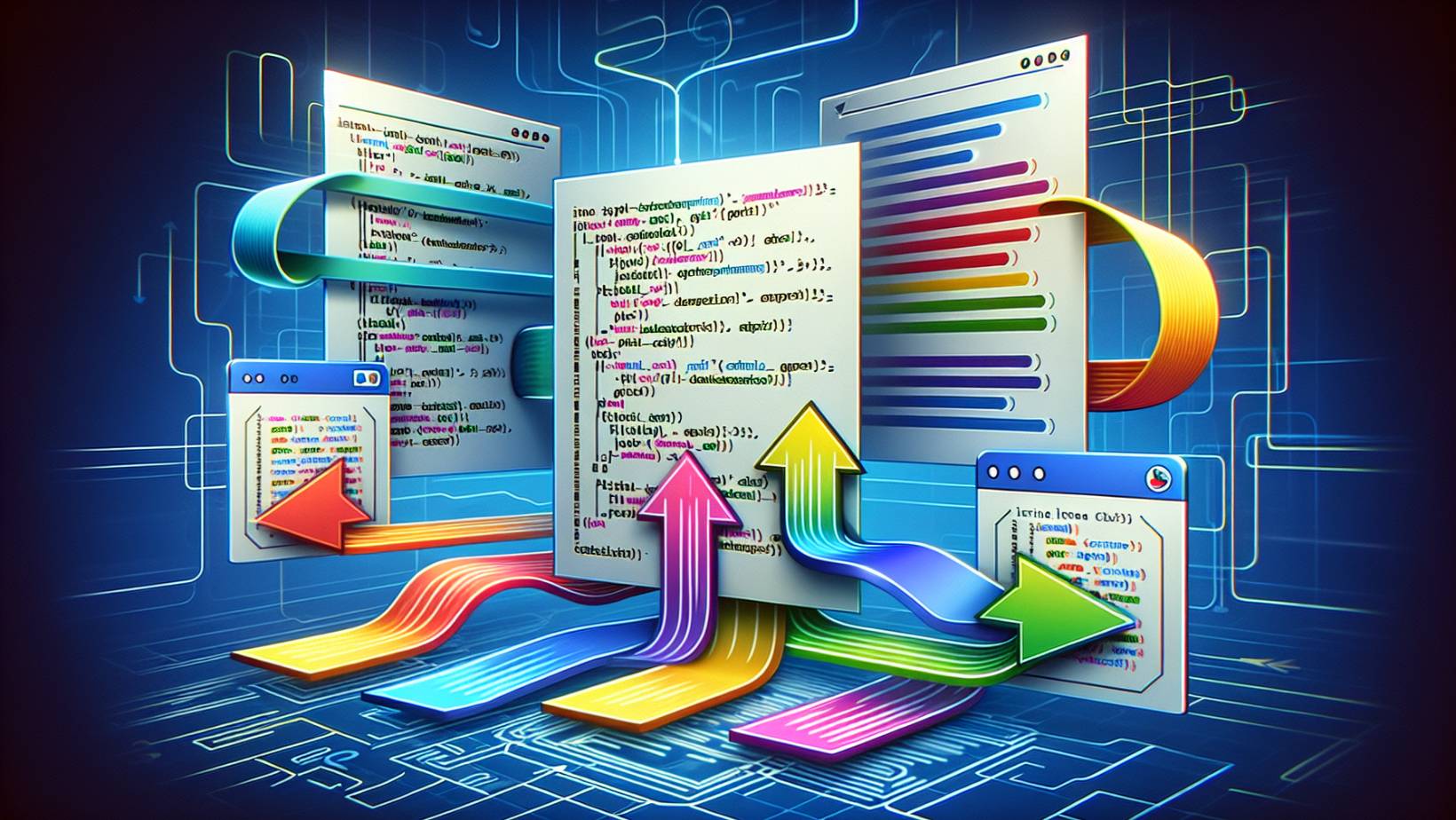
Embarking on the CSS journey requires knowing how to fuse styles with structure. CSS can be applied to HTML documents through inline styles, internal stylesheets, or external stylesheets, each method bearing its own merits and considerations.
Applying these styles meticulously can reveal the full design potential of a web page.
Inline Styles: Pros and Cons
Inline styles serve as quick fixes, applied directly onto HTML elements for those moments when you need a dash of style without the commitment of a stylesheet. Though they offer convenience for singular tweaks, they can quickly clutter a document, making maintenance and scalability akin to untangling a web of styles.
Internal Stylesheets: Keeping it Within
Contained within the <head> element of an HTML document, internal stylesheets enable the encapsulation of CSS rules that are scoped to a single page. This approach facilitates the management of styles that are unique to specific pages without necessitating external resources, thus optimising the delivery of style information for page-specific design requirements.
External Stylesheets: The Power of Separation
In external stylesheets, we find the epitome of CSS organisation, where styles reside in their own haven, a separate .css file in the same folder. Linked to the HTML document, they empower designers to govern the aesthetics of multiple pages from a singular control point, ensuring consistency and efficiency in design.
Styling Text and Fonts
While text facilitates online communication, CSS enhances its impact through artful typography. By styling text and fonts, designers influence the readability and the mood of the content, guiding the reader’s journey through the harmony of typefaces, sizes, and styles.
Customising Font Properties
In CSS, customising font properties, including font size, is similar to dressing up a word in the perfect attire, allowing it to whisper, shout, or sing based on the selected typeface, weight, and size. The ‘font-family’ serves as the foundation, with a wardrobe of fonts to choose from, ensuring the text speaks in the right tongue across different browsers and devices.
Text Alignment and Decoration
Through the utilisation of CSS properties such as 'text-align' and 'text-decoration', developers can precisely dictate the presentation of textual content within its containing element. The 'text-align' property specifies the horizontal alignment of text, offering options such as 'left', 'right', 'center', or 'justify' to align content according to design requirements.
Meanwhile, 'text-decoration' encompasses a range of stylistic options like 'underline', 'overline', 'line-through', and 'none', which can be used to add or remove emphasis on text elements. Additionally, properties like 'padding' and 'line-height' are instrumental in adjusting the vertical spacing and positioning, ensuring optimal readability and aesthetic alignment within the layout's flow.
Coloring Your Web Page
In web design, applying colour resembles a painting on a digital canvas that, with the appropriate palette, can stir emotions, attract attention, and delineate spaces. CSS provides the brush for designers to colour not just the text but the very backdrop upon which it sits, setting the tone and ambience of the web page.
Setting Text and Background Color
In CSS, you simply use the ‘color’ property to colour the text and ‘background-color’ to fill the element’s background with your chosen hue. Whether it’s a subtle shade or a bold tint, these properties are the keys to personalising a web page’s chromatic character.
Using Colors Responsibly
The responsible use of colour in web design transcends aesthetics; it’s about accessibility and usability. It means:
-
Choosing shades that harmonise
-
Ensuring that elements like links remain discernible to all users
-
Maintaining the balance between beauty and functionality.
Box Model Magic

The web is structured around the invisible framework known as the CSS box model. Understanding this model is essential for controlling layout, as it defines how elements interact with their surroundings through:
-
Margins
-
Borders
-
Padding
-
Content itself
Each layer contributes to the element’s overall presence on the page.
Understanding the Box Model
Exploring the box model exposes the layered intricacies of web elements, each encapsulating content with padding, bordering it with lines, and separating it with margins. This model is the architect’s blueprint for web design, where understanding the interplay between these layers is crucial for crafting a well-structured page.
Manipulating Margins and Padding
Manipulating margins and padding is about sculpting the white space that surrounds and cushions content. Margins push elements apart, creating a breathable layout, while padding embraces content gently, ensuring it’s not jostled by its own border. Mastery of these spaces allows for a design that’s as comfortable as it is visually appealing.
Borders and Their Properties
Borders are the finishing strokes of the box model, the outlines that define and distinguish. With properties that specify style, width, and colour, borders can be subtle accents or bold statements, the final touch that gives an element its distinct presence.
Mastering Layout with CSS
Achieving mastery over CSS layout entails managing the spatial relationships between elements, guaranteeing that each component fits into its proper place on the web page. Advanced techniques such as Flexbox and Grid Layout provide the tools to create responsive, adaptive, and aesthetically pleasing arrangements with ease and precision.
Flexbox Fundamentals
Flexbox is a powerful ally in CSS layout, offering a flexible container that adjusts its children — the flex items — with ease. Flex properties control how they grow, shrink, and basis, allowing designers to build fluid and dynamic interfaces that respond gracefully to the content’s needs.
Grid Layout Overview
The CSS Grid Layout is the two-dimensional counterpart to Flexbox’s one-dimensional fluidity. With its grid of rows and columns, it allows for complex and precise layout patterns, bringing a new level of control and creativity to web design, transforming the visual hierarchy with a simple, yet powerful, grid system.
Responsive Design and Media Queries
In modern web development, responsive design and media queries work in tandem to ensure websites maintain their aesthetics and functionality across various devices. This approach harnesses the fluidity of CSS to adapt content to any screen, providing an optimal viewing experience for every user.
The Concept of Responsive Design
Responsive design is the art of flexibility in web design, allowing content to flow seamlessly across different screen sizes and orientations. It’s an approach that prioritises the user experience, ensuring that no matter the device, the website remains accessible, navigable, and engaging.
Employing Media Queries
Media queries are the CSS tool of choice for implementing responsive design, acting as the watchful eyes that adjust styles based on the viewport’s dimensions. By defining breakpoints, media queries enable a fluid transition between different display scenarios, keeping the design coherent and consistent at every turn.
Interactivity with Pseudo-Classes and Attributes
CSS transcends static aesthetics, embracing interactivity as well. With pseudo-classes and attribute selectors, designers can create web elements that react to user actions, adding layers of engagement that turn passive viewers into active participants.
Link States and User Interaction
Pseudo-classes like :hover, :active, and :focus are the CSS magicians that bring interactivity to elements such as links. They respond to the user’s touch — a cursor passing by, a focus gained, a link clicked — and transform the visual feedback accordingly, making the web a place of action and reaction.
Attribute Selectors in Action
Attribute selectors in CSS are the precision tools for targeting and selecting elements based on their attributes, including the class attribute, href attribute, and link rel. From styling links that begin with href https to highlighting elements with a specific title attribute, these selectors empower designers to apply styles with pinpoint accuracy, enhancing the specificity and flexibility of their designs.
Organising and Optimising Your Styles
The organisation and optimisation of CSS styles involve crafting clean code that is not just visually appealing but also high-performing. It’s a practice that requires thoughtfulness and discipline, ensuring that stylesheets are as efficient and maintainable as the designs they bring to life.
Clean Code Practices
Writing clean CSS code is akin to maintaining a well-organised library, where every style has its place, and every rule is easy to find. By adhering to consistent naming conventions and logical structuring, designers ensure that their code is as understandable as it is effective.
Performance Best Practices
Optimising CSS for performance is about streamlining stylesheets for speed, ensuring that web pages load swiftly and animations run smoothly. Employing techniques like minification, using shorthand properties, and leveraging the GPU for animations, designers can create experiences that are not just visually stunning but also technically robust.
Elevate Your CSS Skills with Us
From the initial strokes of basic syntax to the strategic placement of media queries and the interactive magic of pseudo-classes, CSS is the language that brings design to life on the web. Embrace its potential, and let your creativity flow as you explore the power and elegance of CSS in crafting responsive, engaging, and beautifully styled websites.
Join us on a journey to enhance your CSS skills, covering everything from the basics to advanced techniques. Explore our tutorials, engage with our community, and put your learning to the test with practice projects.
Continue to grow, apply your knowledge, and let your designs speak volumes.
Frequently Asked Questions
What is the significance of CSS in web design?
CSS is essential in web design as it allows the separation of content from presentation, providing the tools to style and layout HTML elements for visually engaging and accessible web pages.
How can I apply CSS to a specific HTML element?
To apply CSS to a specific HTML element, use selectors to target the element directly or elements with specific class or ID attributes. Selectors include element selectors, class selectors, and ID selectors.
What are the benefits of using external stylesheets over inline styles?
Using external stylesheets over inline styles helps to separate styling from HTML content, resulting in cleaner and more maintainable code. It also enables the reuse of styles across multiple pages, ensuring consistency and reducing the overall amount of code needed.
Can CSS be used for responsive web design?
Yes, CSS can be used for responsive web design as it allows styles to adapt to different screen sizes and resolutions through media queries, enabling websites to look great and function well on various devices.
How do media queries enhance the mobile-friendliness of a website?
Media queries enhance the mobile-friendliness of a website by allowing CSS to apply different styling rules based on conditions like screen size, orientation, and resolution, creating a design that adjusts to fit the screens of smartphones and tablets and improving user experience and accessibility.
































