

In 2025, the creative job market will offer opportunities for self-taught designers. Because hiring managers consider capability more than credentials, a formal degree is no longer a necessity. Companies look at portfolios, experience and skill with design tools.
Creative professionals come from varied backgrounds. Some change careers, others learn on their own and a few build skills outside regular jobs. With online learning, tools like Canva, Adobe Photoshop and platforms for freelancers, anyone can develop a good design career.
For aspiring designers, career changers, and other professionals, this article explains how to learn design, build a portfolio, and become employable without a university education.
The Demand for Design Skills Is Booming
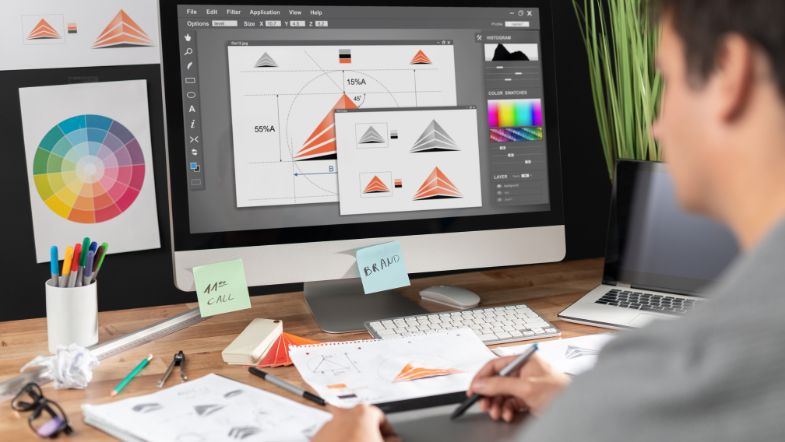
Design touches many things - apps on phones, websites, presentations, packaging, and videos on TikTok. Because digital content grows, so does the need for skilled designers.
According to Seek Australia, design-related roles continue to grow, especially in:
-
Digital marketing
-
UX/UI design
-
Social media content creation
-
Internal and corporate communications
Remote work and the rise of freelance platforms like Fiverr and Upwork have also made freelance design a viable, scalable career.
What Employers Really Want
Hiring managers now look for:
-
A good creative portfolio
-
Good skills with tools such as Canva, Photoshop, Figma
-
The capacity to meet deadlines
-
Good teamwork and communication skills
Formal education? Helpful, but no longer essential.
Step-by-Step Pathway to Becoming a Designer Without a Degree
Step 1 – Start with Canva
Canva is easy for beginners to use. Many startups' marketers, HR teams, educators, and social media managers use it. It presents basic visual ideas, like:
-
Layout and alignment
-
Colour theory and typography basics
-
Visual balance and contrast
Use it to create:
-
Instagram posts and stories
-
Posters and flyers
-
Business presentations
-
Website banners
Recommended Course: Canva Training – Nexacu
Step 2 – Graduate to Adobe Photoshop
Photoshop remains a common standard for photo editing. It offers:
-
Full control over image quality
-
Layer-based editing
-
Masking and selection tools
-
Creative manipulation and composite design
Mastering Photoshop sets you apart and gives you greater flexibility.
Recommended Course: Adobe Photoshop for Beginners – Nexacu
Step 3 – Build a Portfolio with Purpose
Your portfolio is your passport. Start small:
-
Redesign an existing logo
-
Create branding for a fictional product
-
Build social media graphics for an imaginary brand
-
Volunteer for a local business or nonprofit
Where to host:
-
Free personal sites on WordPress or Wix
In each project, include a description of the plan, the tools you used, and your thought process.
Essential Creative Skills for Non-Degree Designers
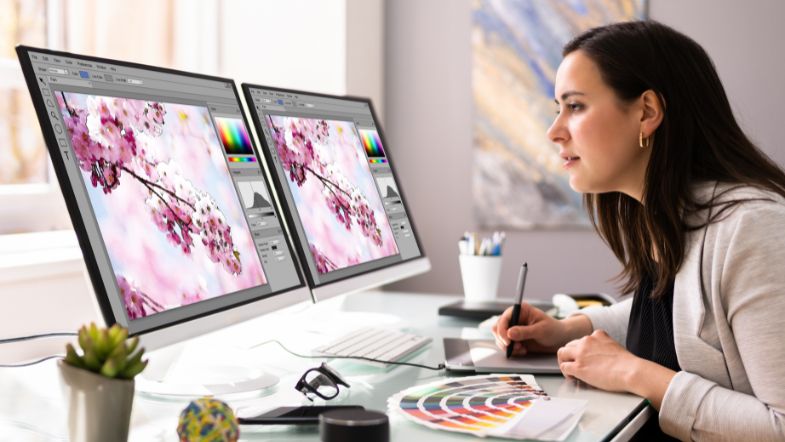
1. Visual Hierarchy and Composition
Knowing how people scan content helps you to focus their view. Learn to:
-
Group content logically
-
Use space and scale effectively
-
Direct the viewer’s eye
2. Colour Psychology and Branding
Colours affect mood and perception. Understand:
-
Cultural colour meanings
-
Warm vs. cool colour palettes
-
Branding alignment and consistency
3. Typography and Readability
Fonts matter. Know how to:
-
Pair typefaces
-
Use hierarchy (H1, H2, body)
-
Balance aesthetics and readability
4. Digital Tools Proficiency
Master industry tools over time:
-
Canva (drag-and-drop design)
-
Adobe Photoshop (image editing)
-
Illustrator (vector graphics)
-
Figma (interface design)
-
PowerPoint (corporate comms)
5. Feedback and Revisions
Being open to critique is key. Employers want someone who can:
-
Take direction
-
Incorporate feedback quickly
-
Maintain a collaborative attitude
Real Career Pathways Without a Degree

Freelance Designer
For example, freelance design provides a common selection for people who lack degrees. Establish a profile on Fiverr or Upwork, then accept modest assignments. This action builds both trust and revenue. You can gain recommendations from business groups nearby on Facebook or LinkedIn.
In-House Marketing Assistant
In-house marketing assistant jobs typically combine writing, content development, and visual design work. If you possess simple Canva and social media competence, you qualify for beginning marketing positions.
Junior UX Designer
The user experience design field has many job openings. You can master Figma, develop interface wireframes and perform usability tests. It also helps to understand accessibility standards.
Presentation Designer
PowerPoint design is very important at many companies, such as those in finance or consulting. These positions combine business knowledge and visual communication.
E-learning Content Designer
New professionals make instructional documents and digital lessons. They must possess design and animation skills, coupled with knowledge about how learning occurs.
Social Media Content Creator
Creative and strategic people can find work creating content for brands. Design helps to build a brand's image on the internet.
Recommended Add-on Course: PowerPoint Training – Nexacu
Certifications and Badges That Build Credibility
While a degree may not be necessary, certification shows employers you’re serious. Consider:
-
Adobe Certified Professional (ACP)
-
Google UX Design Certificate (Coursera)
-
Canva Creator Certifications
List these on your LinkedIn, website, or portfolio.
How HR and Employers Can Support Non-Traditional Designers
Not all exceptional designers graduate from a university. Some begin by designing advertisements for their nearby café. Others learn Canva while managing their business’s social media. Many gain knowledge through YouTube, brief courses or basic curiosity. If you work in HR or direct a creative team, these are methods to support and nurture such talent.
1. Hire for Portfolio, Not Pedigree
Evaluate the portfolio, rather than the education. Instead of asking where someone attended university, check what they created. A portfolio shows more, for example, how they think, how they operate design tools and how they resolve visual problems. Request a review of a few projects to understand their method. Some capable creatives are self-taught. They developed abilities through practical application, not academic study. Give all a fair chance.
2. Offer Entry-Level Pathways
Internships, part-time roles, or freelance projects can help non-degreed talent grow. Support early-career creatives in getting experience by giving internships, casual jobs, or freelance gigs. These do not need to be complex. Even helping with internal communications, social media pictures, or presentation decks gives needed exposure. View this method as nurturing one's own talent, instead of waiting for a great applicant to appear.
3. Provide Access to Professional Tools
Provide access to proper tools. Design software has costs. If a person is new, they might lack access to tools such as Adobe Photoshop or Canva Pro. Aid them by providing team accounts, licenses or a small training budget. You could provide access to structured learning through platforms like Nexacu. When individuals have the tools and training, they often develop quickly and produce good work.
4. Create Mentorship Structures
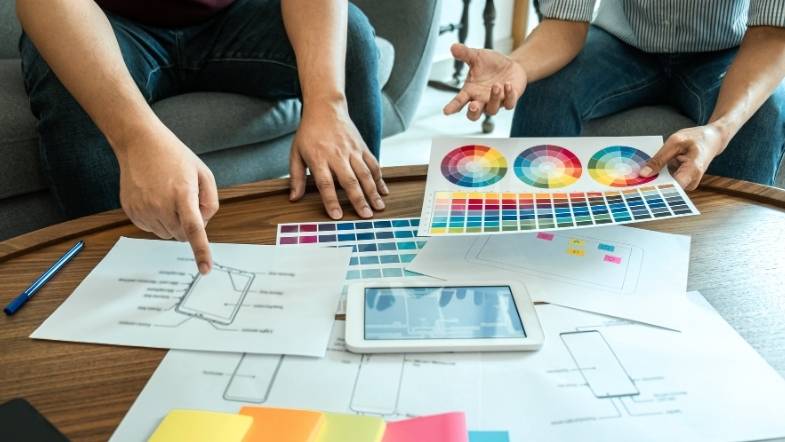
Pair non-traditional hires with senior creatives to accelerate their growth. Self-taught creatives miss out on guidance from academic study. Mentorship is helpful. Connect junior designers with veteran team members. Schedule regular meetings, chances to pose questions and feedback on work. This is not formal. Even 30-minute monthly sessions can impact someone’s confidence besides growth.
5. Promote From Within
See and nurture talent already inside the team. You do not always require new hires. Observe your team, perhaps a marketing assistant creates your email pictures or an admin person works with presentations. Provide learning chances to those with interest and instincts. Improving skills internally builds loyalty, but it strengthens your team with people familiar with the brand and values.
Design Trends in 2025 You Should Learn
Keeping up with design trends maintains work freshness, and it strengthens competitiveness in the job market.
AI-Generated Templates
Artificial intelligence expands in design software. Designers should use the templates as a start, but then make the designs unique. They should alter the colours, change the layout, update the fonts, and check that the design still shows the correct brand or message. A fine designer does more than just fill in the blanks - they add originality.
Motion Graphics
Movement attracts attention. If a site has a slight hover effect or social media has a large animated infographic, motion graphics become a key design ability.
Short videos grow on sites such as Instagram, TikTok, and LinkedIn. More brands use animated visuals to show stories, describe ideas, and build unforgettable times. Even small motion additions, like animated buttons or loading spinners, can make apps and sites better for users.
Accessibility First
Design for accessibility - it is now a needed feature. Many companies now see that inclusive design helps everyone, not only people with disabilities. Whether someone designs content for a site, app or presentation, accessibility must exist from the start.
Dark Mode Aesthetics
Dark mode has value as more than just a visual trend. It exists as a user preference. People often now pick dark mode to make their eyes feel better, save battery power on phones or just feel comfortable.
When you design for dark mode, you must think of how the colours, icons, and text next to type appear against dark backgrounds. It is not only about turning the palette around. Designers must consider the contrast, clarity, and emotion that the design puts out.
Designs must look good in light and dark modes. This has become the industry standard.
Flat + 3D Hybrids
Flat design has been important for years because it looks simple and also clean. In 2025, designers mix flat graphics with soft 3D parts, such as shadows and gradients, along with depth effects.
This hybrid method offers the best of both. It has the clarity and minimalism of flat design and the added visual interest of 3D. It can make buttons easier to click, illustrations more interesting, and interfaces more real, without being too much.
Community, Networking, and Ongoing Learning
Join these to grow your skillset and visibility:
Conclusion: Creativity Is a Skill, Not a Degree
The creative industry is more accessible than ever. A satisfying design job is achievable if you possess passion, curiosity, and a desire for knowledge; no degree is required.
With Nexacu’s beginner-friendly courses and your drive, you can go from novice to professional faster than ever. Whether you want to freelance, join a marketing team, or break into UX design, the skills are out there; you just have to start!
Next Step: Start your creative journey with Nexacu’s design training courses.
































