Recent Searches
Category

Microsoft Power BI

Category

Microsoft Copilot Courses

Category

AI for Business

Category

Microsoft Windows 11 Courses

Category

Microsoft 365

Category

Microsoft Excel

Category

Excel Specialist

Category

Microsoft Project

Category

R Programming

Category

Python

Category

Power Apps

Category

SQL

Category

SharePoint

Category

Microsoft Teams

Category

Power Automate

Category

Microsoft Visio

Category

Microsoft PowerPoint

Category

Microsoft Word

Category

Microsoft Outlook

Category

Adobe InDesign Courses

Category

Adobe Photoshop Courses

Category

Adobe Illustrator Courses

Category

Adobe Premiere Pro Training

Category

Adobe After Effects Training

Category

Adobe Acrobat Courses

Category

Adobe Captivate Training

Category

Adobe Animate Training

Category

Canva Courses

Category

HTML Courses

Category

WordPress

Category

Professional Development

Category

Microsoft Access

Category

Webinars

Course

Power BI Beginner

Course

Copilot for M365

Course

Windows 11 End User Course

Course

Excel Beginner

Course

Financial Modelling

Course

Project Beginner

Course

R Programming Beginner

Course

Python Beginner

Course

Power Apps Beginner

Course

SQL Beginner

Course

SharePoint Beginner

Course

Teams Essentials

Course

Visio Essentials

Course

PowerPoint Level 1

Course

Word Intermediate

Course

Word Beginner

Course

Word Advanced

Course

Microsoft Outlook Beginner to Intermediate

Course

InDesign Lite

Course

Photoshop Lite

Course

Illustrator Training Intro

Course

Premiere Training Intro

Course

After Effects Training Intro

Course

Acrobat Essentials

Course

Captivate Training

Course

Animate Training Intro

Course

Canva AI

Course

HTML Training Intro

Course

Achieving Leadership & Success

Course

Microsoft Access Essentials

Course

Copilot for M365 On Demand

Course

Power BI Intermediate

Course

Copilot for Word

Course

ChatGPT Beginner

Course

Microsoft 365 Beginner

Course

Excel Intermediate

Course

Analysis and Dashboards

Course

Project Intermediate

Course

R Programming Intermediate

Course

Python Intermediate

Course

Power Apps Intermediate

Course

SQL Intermediate

Course

SharePoint Intermediate

Course

PowerPoint Level 2

Course

InDesign Training Intro

Course

Photoshop Training Intro

Course

Acrobat Forms

Course

Anger Management & Negotiation Skills

Course

Copilot for M365 Live Online

Course

Power BI Advanced

Course

Copilot for Excel

Course

AI Prompting Fundamentals

Course

Microsoft 365 Intermediate

Course

Excel Advanced

Course

Excel VBA

Course

Project Advanced

Course

R Programming Advanced

Course

Python Advanced

Course

Power Apps Intermediate | Power Automate + Power BI Integration

Course

SharePoint Advanced (Site Owner)

Course

InDesign Training Advanced

Course

Assertiveness & Confidence

Course

Microsoft Access Advanced

Course

Power BI DAX

Course

Copilot for PowerPoint

Course

Excel Expert

Course

Machine Learning in R

Course

Power Apps Advanced

Course

SharePoint Advanced (Document Governance)

Course

Building Resilience

Course

Copilot for Outlook and Teams

Course

Coaching and Mentoring

Course

Illustrator Training Advanced

Course

Premiere Basics Training

Course

Advanced After Effects Training

Course

Canva Beginners

Course

WordPress Essentials

Course

Communications

Course

AI for Business Leaders and Managers

Course

Photoshop Training Advanced

Course

Advanced Premiere Training

Course

Canva Intermediate

Course

Communications & Quality Client Service Training

Course

InDesign Interactivity Training

Course

Canva Advanced

Course

Critical Thinking and Problem Solving

Course

InDesign Accessibility Training

Course

Cultural Diversity in the Workplace

Course

Microsoft Outlook Advanced

Course

Embracing Change

Course

SQL Advanced

Course

Growing Emotional Intelligence

Course

Planner Premium

Course

Minute Taking

Course

Excel Tables and Pivot Tables

Course

Power Automate Beginner

Course

Performance Management

Course

Data Transformation with Power Query

Course

Excel Macro Mastery

Course

Power Automate Intermediate

Course

Persuasion and Negotiation Skills

Course

Power BI Desktop Advanced Reporting

Course

Presentation Skills and Public Speaking

Course

Data Visualisation with Power BI Desktop

Course

Practical Project Management

Course

Respect, Equity and Diversity (RED)

Course

Resumé Writing and Interview Skills

Course

Stress Management

Course

Team Leadership, Management and Development

Course

Time Management Intensive

Course

Train the Trainer

Course

Write Effective Business Documents

Course

Dealing with Difficult People

Course

Managing Difficult Conversations

Course

Managing the Virtual Workplace

Course

Customer Service Training

Course

Technical Writing

Excel Tips to Impress in 2025 | Advanced Excel Features & Tricks

Nexacu | Jun 24, 2025

Excel Tips to Impress: Advanced Features That Make You Look Like a Pro

Why Excel Still Matters in 2025

Despite the rise of specialised apps and data platforms, Excel remains the most widely used tool for analysis, reporting, and automation. According to Statista, over 1.2 billion people use Microsoft Office worldwide, and Excel is a top productivity tool across roles and industries.

In this article, we’ll cover:
  • Highlighting key insights with Conditional Formatting
  • Building dashboards using PivotTables and Slicers
  • Advanced lookup formulas: XLOOKUP, INDEX MATCH
  • Cleaning and automating data with Power Query
  • Creating reusable templates and dropdowns
  • Scenario analysis, collaboration, and consistency tips

1. Make Your Data Shine with Conditional Formatting

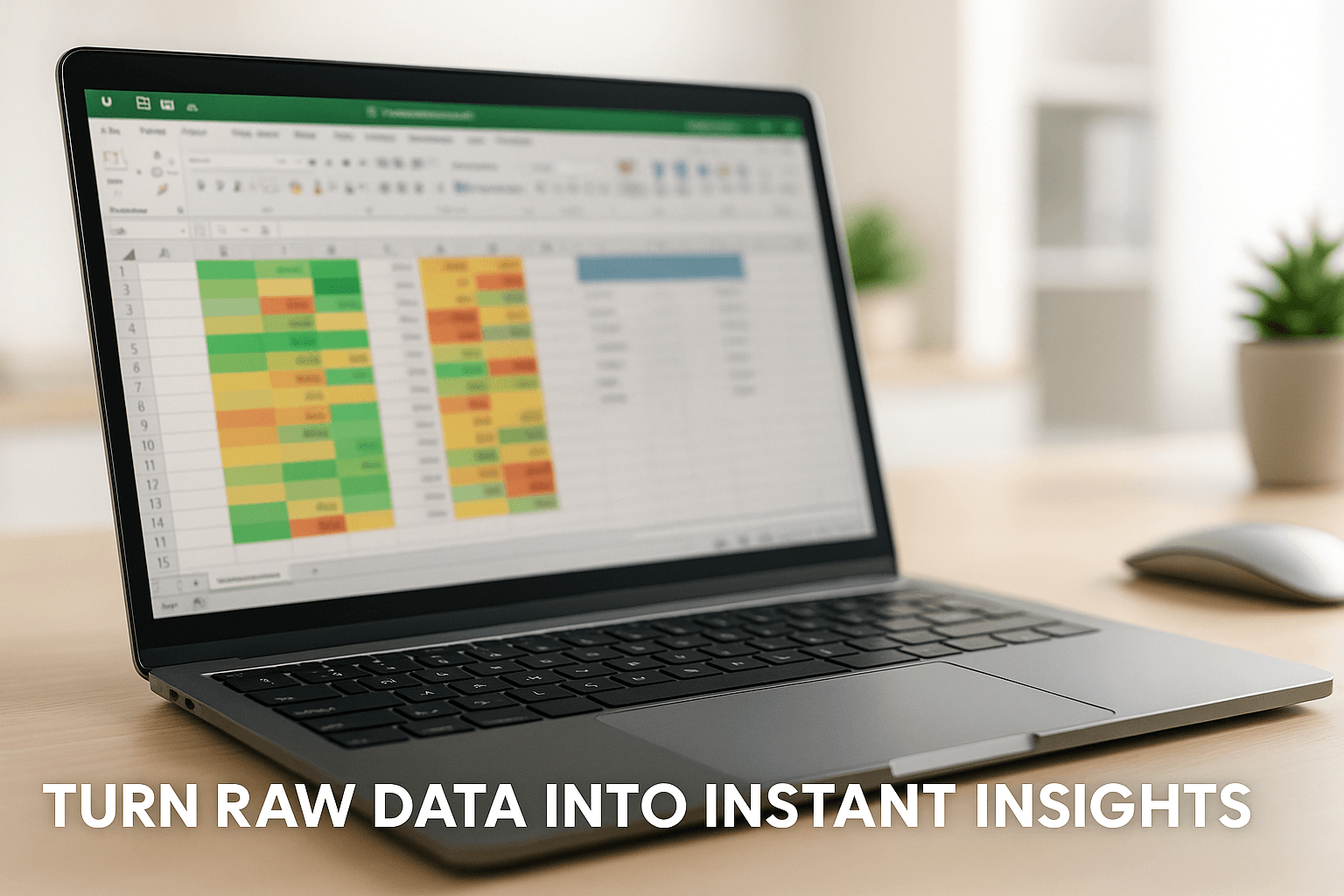
Why it impresses: It turns static data into dynamic insight. Use colour scales, icon sets, and formulas to visually highlight patterns or issues at a glance.

  • Finance: Spot budget overruns
  • Education: Flag students below target
  • Admin: Highlight overdue items

Explore Excel Intermediate

2. Build Interactive Dashboards with PivotTables + Slicers

Why it impresses: Create responsive dashboards that simplify data exploration for managers and stakeholders.

  • Sales: Break down revenue by region or rep
  • Healthcare: Track patient loads and trends

Explore Excel Advanced / Analysis and Dashboards

3. Master VLOOKUP, XLOOKUP and INDEX MATCH

Why it impresses: Lookup functions show mastery in structuring and navigating complex data sets with accuracy.

  • Retail: Match SKUs with price lists
  • HR: Cross-reference staff ID with qualifications

Try Excel Advanced

4. Automate Data Cleaning with Power Query

Why it impresses: Automate tedious cleaning tasks and build repeatable queries for consistent results.

  • Accounting: Merge monthly exports
  • Logistics: Clean multi-sheet delivery data

Learn Excel Expert

5. Create Templates with Locked Cells & Validation

Why it impresses: Reduce user errors and ensure consistent data entry in shared files by locking formula cells and using dropdowns.

  • Education: Assessment forms
  • Real Estate: Cost calculators

Explore Excel Intermediate

6. Use Charts That Tell a Story

Why it impresses: Choose the right chart to showcase your message clearly. Use bar charts, combo charts, and sparklines with clean labels.

  • Marketing: Campaign performance
  • Government: Stakeholder KPIs

Explore Excel Intermediate / Analysis & Dashboards
7. Simplify with Named Ranges & Dropdowns

Why it impresses: Improve formula readability and create dynamic dropdowns to simplify data entry.

  • IT: Support ticket logging
  • Procurement: Approved supplier forms

Explore Excel Intermediate

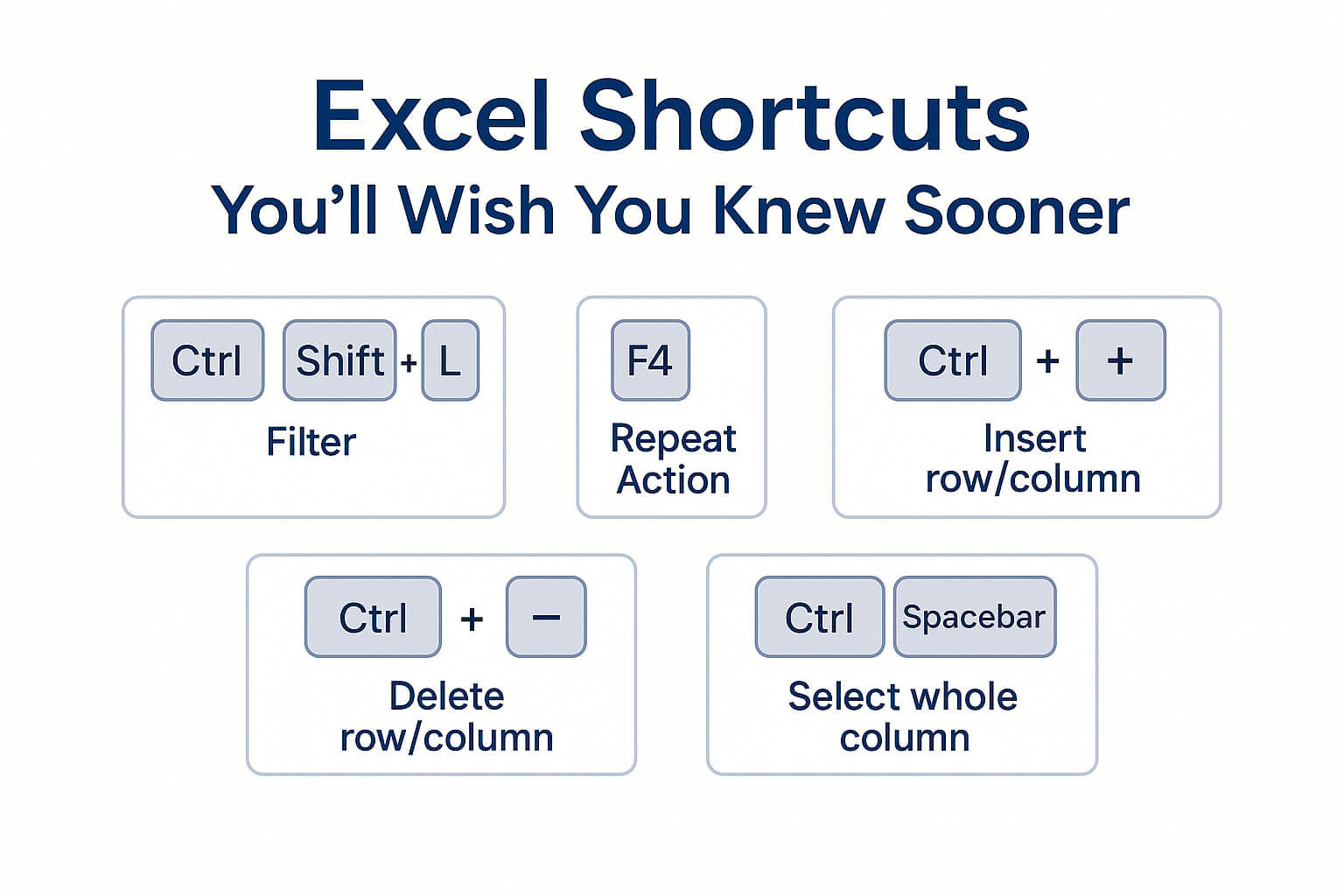
8. Keyboard Shortcuts That Save the Day

Why it impresses: Use Ctrl+Shift+L to filter, F4 to repeat actions, and Paste Special tricks to show total control in live edits.
9. Forecasting with Goal Seek & Scenario Manager

Why it impresses: Support your decisions with future-focused insights and demonstrate strategic thinking through what-if analysis.

  • Finance: Break-even and pricing models
  • Education: Tuition revenue planning

10. Collaborate with Excel Online, Comments & Copilot

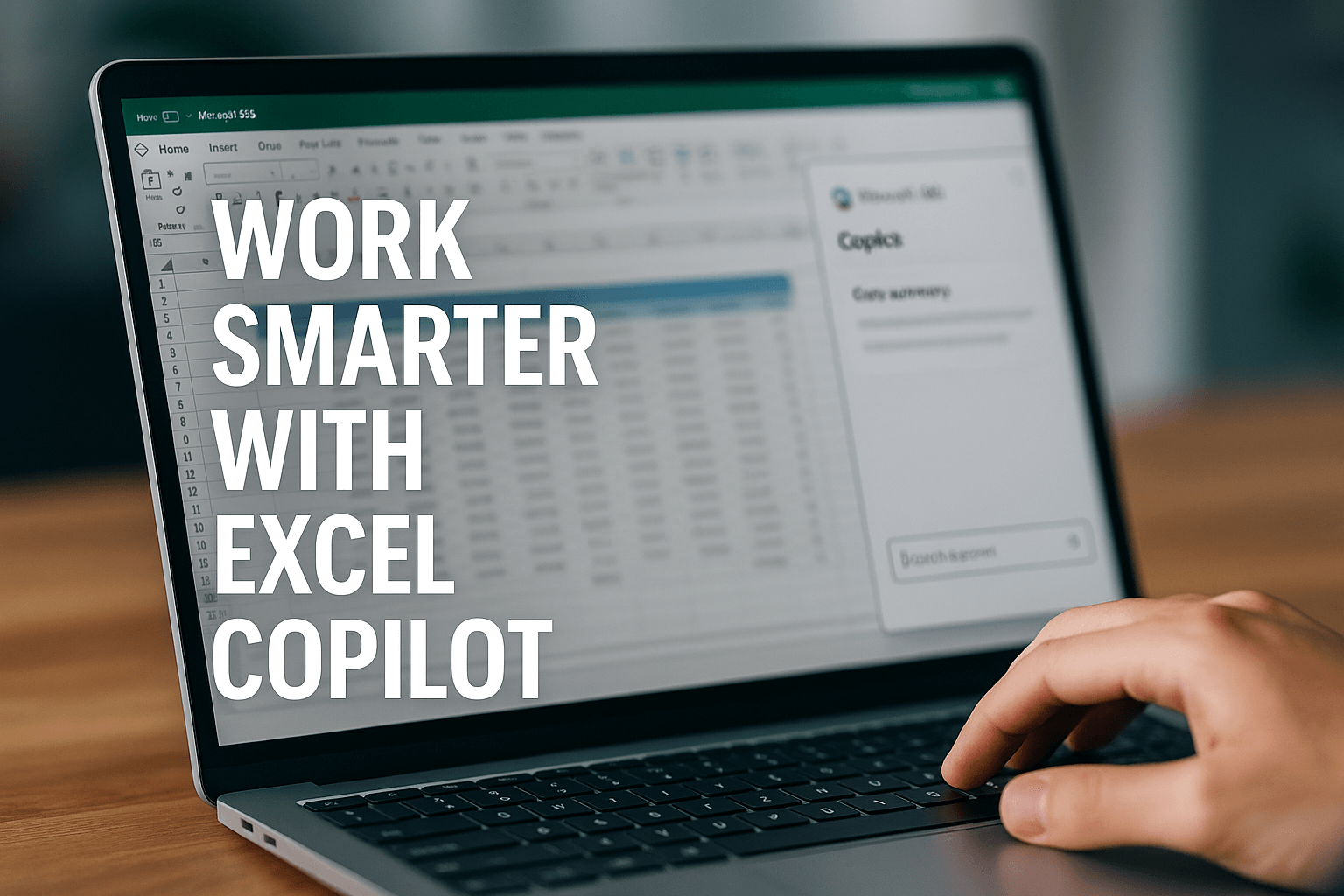
Why it impresses: Edit in real-time, comment with @mentions, and use Copilot as your expert resource to help you build and troubleshoot complex formulas, create pivot tables and charts to present your data, and assist in automated data cleaning and analysis.
See Copilot for Excel

Bonus Tip: Consistency is the Quiet Power Move

Structured, well-formatted sheets speak volumes. Use colour-coded tabs, standard styles, versioning, and a contents page for larger files.

Excel Mastery Starts Here

Build your skillset with Nexacu:

Course Duration Price
Excel Beginner 1 day $385
Excel Intermediate 1 day $410
Excel Advanced 1 day $415
Excel Expert 1 day $475
Excel Macro Mastery 1 day $352
Copilot for Excel 1 day $504

Final Thoughts

These aren’t just tips — they’re strategies to elevate your work, your team, and your career. Impress with Excel, and you’ll build the kind of credibility that drives promotions and performance.

Take the Free Excel Skills Quiz View All Excel Courses

Trusted Nationwide by Leading Organisations

at Nexacu, we're proud to be the trusted training partner for hundreds of leading organisations accross Australia and New Zealand. From government departments to top corporates, we help teams upskill and succeed everyday

  • 400+ companies rely on Nexacu for team training
  • Trusted by federal, state, and local government agencies
  • Delivering training across 9 countries

Why Nexacu?

Books Icon

Step by Step Courseware

Custom workbook included with a step by step exercises

Facility Image 2
Facility Image 3
Facility Image 1

Refresh Icon

Free Refresher

Resit your course for free within 6 Months

More than 1,300 Business trust Nexacu

Trusted by Business

Procured by Government

Procured by Goverment

Reviews Not Found

Valued by Individuals