
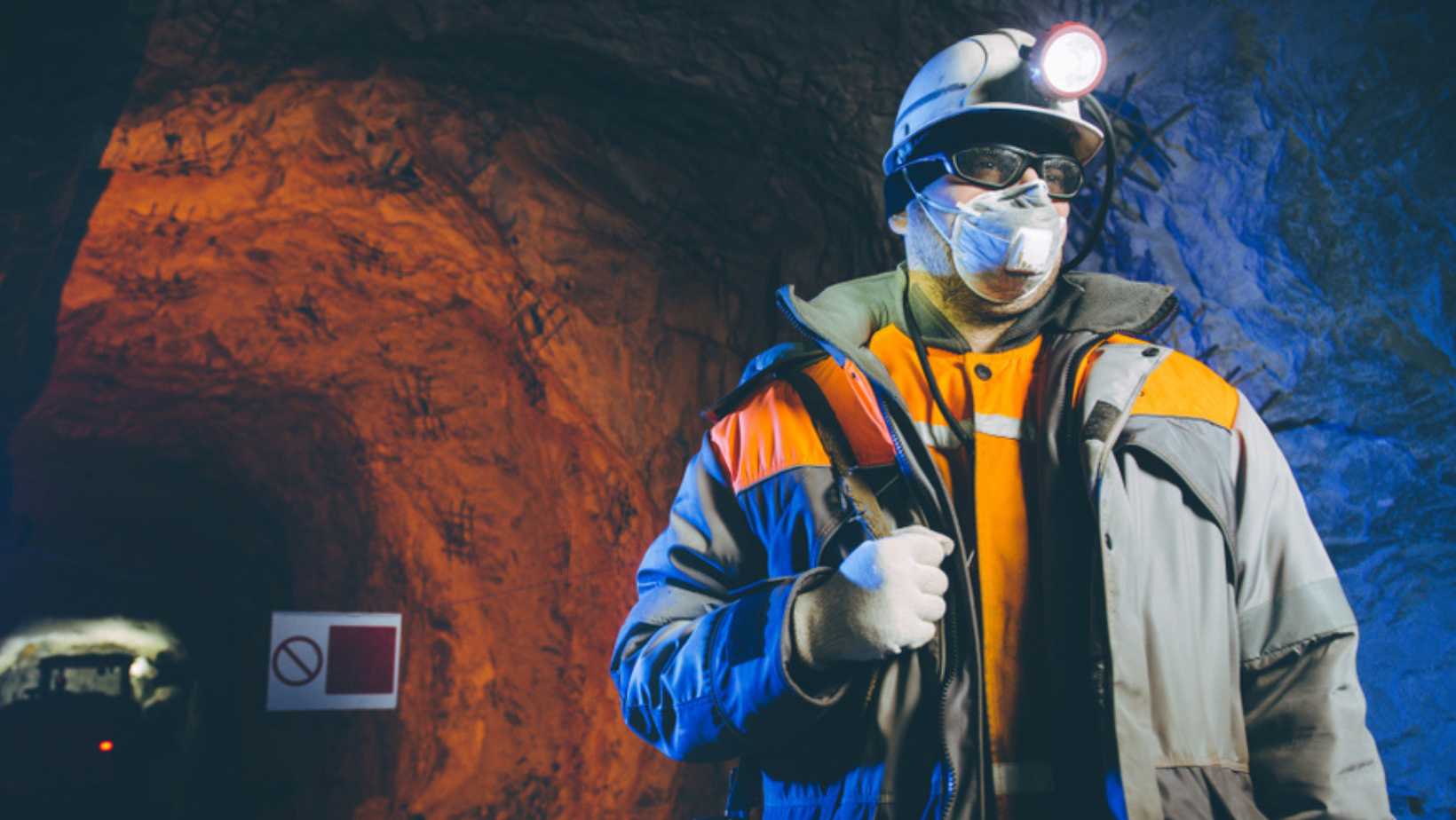
For such an industry that relies on physical work and people-to-people communication, can the mining industry benefit from newer data visualisation tools like PowerBI? The answer is a ‘Yes!’
Considered one of the oldest in the world, it involves digging and tunnelling through dirt to extract precious minerals and other geological materials. Later, the extracted materials are transformed or incorporated into objects we use individually or for various industries daily. Marble is used for sculptures and flooring, copper and steel for manufacturing and palladium for electronics.
Beyond the act of extraction itself, typical activities in the mining industry include metals production, metals investing, and metals trading. But in the background of all these, mining for data is the underlying activity that fuels progress.
This is where Microsoft Power BI comes in. It is a powerful tool that has become indispensable for mining companies.
In this blog post, we’ll explore why the industry embraces Power BI, how mining technology upskilling supports organisational efficiency and safety, the types of data the tool can handle, and its transformative impact on mining operations.
Why Does the Mining Industry Use Power BI?
Mining companies deal with an avalanche of data daily – from geological surveys and equipment performance metrics to safety reports and financial figures. The sheer volume of information can overwhelm even the most seasoned professionals. Here’s why Power BI is a game-changer:
- Boosting efficiency in the mining industry: Power BI allows miners to turn raw information into actionable insights. You can make informed decisions that enhance efficiency across the board. Here's a case study: A steel and mining company has been using Microsoft technologies to improve efficiency -- adding $100 million in value. The company set out to reduce fuel consumption by controlling the silicon content in iron. This in turn, affects the heating and fuel consumption of its blast furnaces. With Microsoft Azure Machine, they could accurately predict the silicon content in iron over a horizon of up to nine hours. Connected to this, they displayed the results on a Power BI dashboard so that operators can monitor and adjust furnace parameters.
- Improving safety: How do miners use PowerBI? One way is in analysing incident reports, near-miss occurrences and safety compliance metrics. With it, you can identify patterns and potential risks. Miners receive early warnings, allowing them to take preventive measures. There is also the ability to visualise safety. More than aesthetics, it’s about clarity. Power BI creates interactive charts, heat maps and trend graphs that reveal accident hotspots, unsafe zones and recurring issues. Miners can pinpoint trouble areas and allocate resources strategically. So, safety becomes a proactive pursuit.
- Making moves towards sustainability: Joseph Starwood, Worldwide Mining Industry Leader at Microsoft writes that to enable the sustainable growth of renewables, the global mining industry is rapidly evolving with a shift toward more efficient, resilient processes. This can be made possible through real-time monitoring of energy consumption, emissions and waste management across sites, equipment and processes using Power BI. By visualising energy patterns, miners identify inefficiencies and explore renewable alternatives.
You can explore Microsoft Azure Learning through Lumify Work. And you can learn PowerBI through the courses at Nexacu.
What Data Can Be Used in Power BI?
Common Software and Data Sources
Before diving into specific data types, let’s address common software used in mining. Wipro shares that there are two main types of data sources in the Mining industry: direct or indirect (ancillary) measurements.
- Direct measurement sources refer to those taken by instruments such as conventional geodetic surveys and GPS.
- While indirect sources come from systems that collect data as a by-product of processes or operations such as Fleet Management Systems, Supervisory control and data acquisition (SCADA) or Distributed Control System (DCS data), blast hole drills and geo modelling data.
But whether it’s fleet management systems, geological modelling software, or maintenance tracking tools, the tool can seamlessly integrate with various platforms. Here are some key data sources you can use to build Power BI dashboards:
- Geological Data: Mining companies rely on geological models to identify ore bodies, estimate reserves, and plan extraction. Power BI can visualise these models, making it easier to analyse spatial data and identify promising areas for exploration.
- Equipment Performance Metrics: From massive haul trucks to conveyor belts, mining equipment generates a wealth of performance data. Power BI connects to live data sources, allowing real-time monitoring of equipment health, fuel consumption, and maintenance needs.
- Safety Reports: This is a critical mining industry Power BI application. Safety is paramount in mining. Through the tool, you can aggregate safety incident reports, track injury trends, and identify high-risk areas. Visualising safety data helps prevent accidents and ensures compliance with safety protocols.
- Financial Figures: Profit margins, production costs, and revenue streams – mining companies juggle complex financial data. Power BI’s intuitive dashboards provide a clear view of financial performance, helping executives make strategic decisions.
Why use Power BI?
We share some frequently cited benefits of using the data visualisation tool in mining and other industries.
- Speed and Agility: Unlike sluggish legacy systems, Power BI responds swiftly. Miners can explore data, create visualisations, and share insights without delays. This agility is crucial when responding to operational challenges or market fluctuations.
- Scalability: Mining generates massive datasets, and Power BI handles them easily. Whether it's tracking ore shipments or analysing geological data, Power BI scales effortlessly, accommodating the industry's data-intensive demands.
- Intuitive Interface: Power BI's user-friendly interface requires minimal training. Even non-technical staff can create compelling visualisations, reducing the learning curve and promoting widespread adoption.
- Breaking Down Data Silos: In mining, data silos hinder collaboration. Power BI bridges these gaps by consolidating data from various sources. Whether it's integrating geological data with production metrics or safety reports, Power BI promotes cross-functional insights.
Power BI as an Equipment, Material and Inventory Tracking Tool
Mining operations involve intricate logistics – managing equipment, tracking materials, and optimising inventory. Some of the popular Power BI uses in the mining industry are in:
- Equipment Tracking: Power BI monitors equipment utilisation, maintenance schedules, and downtime. Visual dashboards highlight bottlenecks, enabling timely interventions. For example, tracking haul truck availability ensures efficient ore transport.
- Material Flow Analysis: Power BI visualises material movement – from ore extraction to processing plants. Miners can optimise stockpiles, reduce waste and streamline production by tracking material flow.
- Inventory Management: Whether it's spare parts or explosives, inventory management is critical. Power BI provides real-time insights into stock levels, reorder points, and consumption patterns. Miners can avoid shortages and minimise excess inventory.
Power BI for Corporate Management
Beyond operational data, Power BI serves corporate management needs within the mining industry. Here's how it supports organisational leaders with executive decision-making:
- Injury Tracking: Power BI aggregates injury data by factors like site, type, cause and occupation. Visualising safety incidents can help identify patterns, optimise processes and implement preventive measures.
- Business KPIs: Profit margins, production volumes and cost per ton – Power BI tracks classic business metrics. Executives gain a holistic view of performance, enabling strategic decisions on sales and operations targets, investments and recruitment.
Power BI isn't just a tool; it's a beacon guiding mining companies toward data-driven success. By harnessing the power of visualisation, miners can extract more than minerals – they can extract insights that shape the future of mining.
You can learn Power BI through the courses at Nexacu. Beginner, Intermediate and Advanced training are available. Gain the skills and knowledge to collect and transform your data and create powerful, automatically-updated and interactive visuals.
































