

Power BI’s immense popularity among businesses will only continue to grow in 2022. If you’re one of many managers wondering whether Power BI is the right platform for your business, this article will outline the benefits of Power BI as well as inform you as to how it continues to improve. Let’s see how Power BI is making a difference in 2022.
How Power BI is powering up in 2022
Power BI has been making a difference in business intelligence since its introduction in 2011.
They have been able to retain their hold on the market because of Microsoft’s commitment to the greater integration of their platform and to being the market leader in business intelligence. Power BI allows businesses to utilise the advantages of cutting-edge AI while combining other Microsoft solutions.
In other words, it helps business owners to use Microsoft AI's advances and technologies to prepare data, design machine learning models, and get insights into structured and unstructured data.
The platform also has an intuitive design that negates the need for specialised technical support and empowers organisations to design, analyse, and create reports without technical help. All a business requires is minimal training of their workforce to unlock the power of Power BI.
On powering up since early 2022, Power BI is:
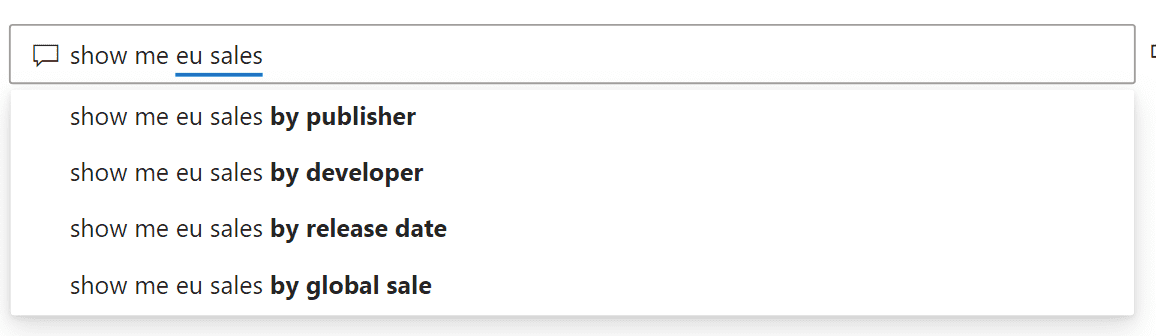
Using Natural Language to design quick measures
Under the April 2022 public preview, the platform can interpret natural language statements into DAX with ANLP (Advanced Natural Language Processing).
This is an exciting update that highlights one of Power BI’s core strengths: the ease of use. While other business intelligence platforms require the knowledge of coding languages, the AI in Power BI allows you to use natural language to query.
Having access to Power BI within Teams
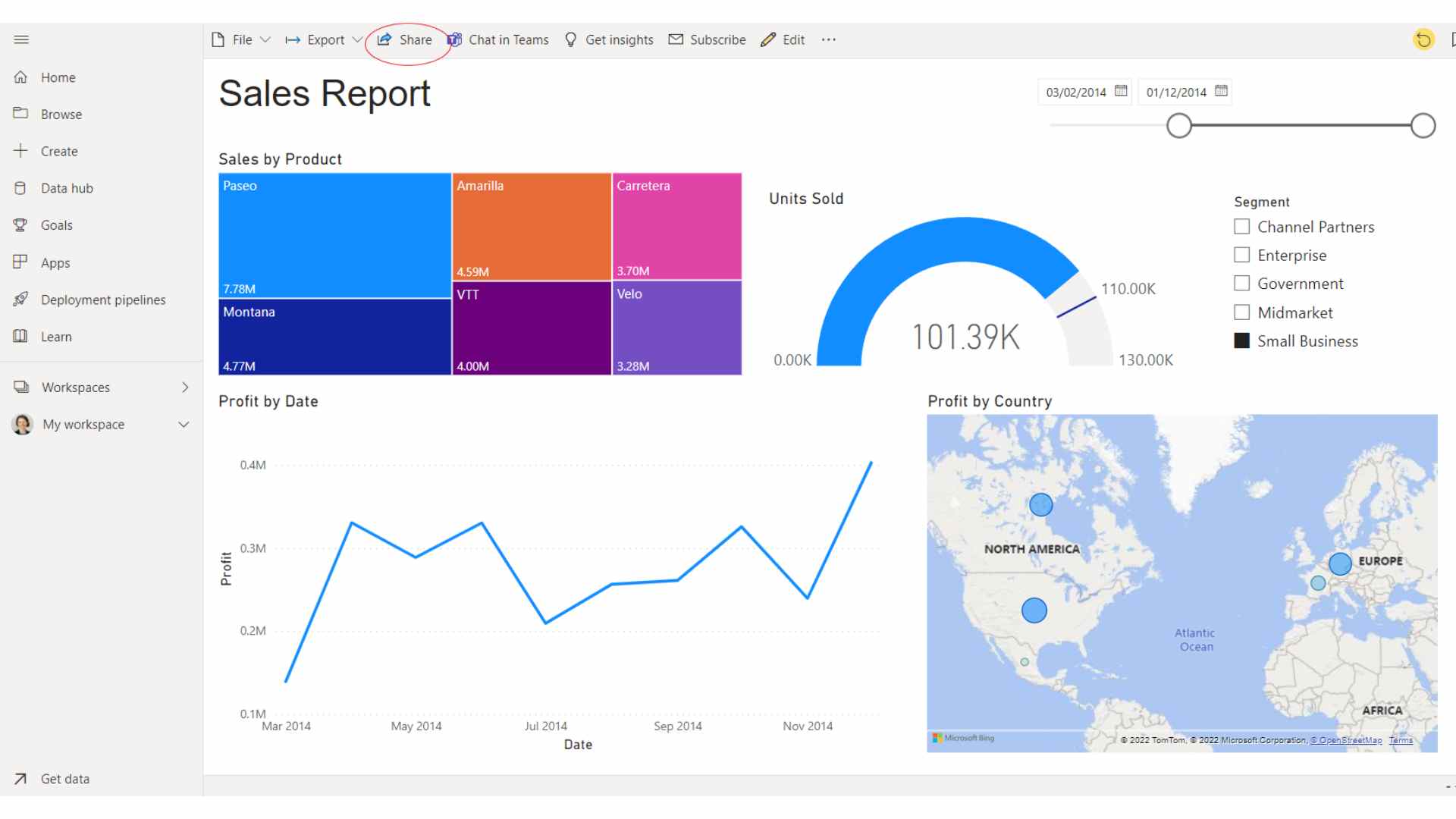
In April 2022, Power BI started being accessible within the Teams app as a public preview.
This is a part of Microsoft’ commitment to integration: with the greater release of such a useful feature, a Power BI dashboard or report could be just a click away from Teams.
Greater Integration with the Microsoft Platform
Beyond Power BI’s already powerful integration capabilities, Microsoft is looking to integrate Power BI into Outlook, Office, PowerPoint, and Power Apps.
This will make the sharing and presentation of dashboards and reports significantly easier.
Improving data sources for Power BI service
The Power BI Service has a Create page that would soon support copying and pasting data alongside extra data sources, offering users with better means to quickly design data sources.
As part of its 2022 wave 1 release, the platform is providing some improvements to enhance accessibility for users' dependent on assistive technologies.
They include enhanced keyboard navigation and assistive technology support for Power BI tables. This feature has greater screen reader announcements, keyboard shortcuts, options for improved contrast, integrating alt text for table images, and better conditional formatting.
This is on top of the existing capability to import data from various databases.

On making a difference in 2022, Power BI is:
Improving customer retention
Power BI is helping firms to improve customer retention. It assists companies' sales teams track demand trends, know what inspires existing customers, and identify business opportunities.
Reducing reporting times
Some businesses now use Power BI to reduce reporting time. Microsoft Power BI tool removes hard and time-consuming manual reports.
With it, businesses are generating sales trends and pipeline reports quickly, offering them more time to strategize.
Easily sharing sales analytics across business departments
Organisations can easily create dashboards with a Power BI tool to have insights into their sale’s interactive reports and team’s key metrics, which can be shared with other departments.
The tool is helping companies' marketing teams tell which ads or campaigns are driving sales.
In addition, it's helping the operations team to organise and forecast business demands and make better decisions.
Accurate sales quotas and forecasts
Power BI is helping firms forecast more accurate sales quotas and future trends, granting businesses a competitive advantage and edge over others.
Power BI solution helps consolidate data into one place, simplify it, and provide the most up-to-date and accurate information.
Having access to every historical sales pattern in one place makes it simpler for companies to project profit and sales.
Simply tracking crucial metrics
Power BI is making it easier for companies to track vital metrics like discounts, revenue, win rates, and YTD revenue maps via interactive dashboards.
The dashboards, which are simple to set up, are automatically refreshed using advanced data. This offers companies continuous access to current trends and information.
FAQ
Is there any future for Power BI?
The future of Power BI is bright. It has become a favourite tool for businesses.
Power BI's use will continue to be in demand, given that the global intelligence market is anticipated to grow to $33.3 billion by 2025.
Is Power BI free?
The Power BI platform has paid and free license options. Power BI Desktop is free. The paid options are Power BI Premium, Power BI Pro, and Power BI Premium Per User.
What makes Power BI so different?
Power BI has the Natural Language Q&A box, offers a user-friendly GUI with the drag-and-drop feature for getting reports, and permits the use of unstructured data and integration easily on diverse platforms.
Should I learn Power BI or Python?
This is mostly based on personal preference. However, unlike Python, Power BI does not require the learning of a new coding language.
Microsoft also introduces new features for Power BI every month whereas Python does not receive updates as frequently.
Final say: Why use Power BI?
Microsoft Power BI is making a difference for businesses in 2022. It might be the missing link for your business intelligence and growth.
Power BI is a perfect fit if you want a reporting and analytical capability beyond Excel.
It helps to easily analyse and visualise business data while offering deep insights into your performance and operations.
Nexacu offers four levels of Power BI training as well as multiple certifications. Reap the rewards of using and training in Power BI by utilising our Corporate training.
































