
Discover top Adobe Creative Suite courses in Australia to elevate your design, editing, and creative skills. With expert-led training across various skill levels and accessible both online and in-person, these Adobe Creative Suit courses in Australia offer the practical knowledge needed for leveraging the full potential of Adobe’s software suite. Find a tailored course that aligns with your learning goals, such as graphic design, video editing, or web development,
Exploring Adobe Creative Cloud Courses Down Under
Adobe Creative Cloud offers an arsenal of tools that are fundamental in diverse creative and professional fields. Some of the key software covered in Adobe courses in Australia include:
-
Photoshop for image retouching
-
Illustrator for vector graphics creation
-
InDesign for multi-page document layout
-
Premiere Pro for video editing
These courses offer a comprehensive understanding of Adobe products, including Adobe Acrobat, helping you enhance your creative skills in digital art.
Not just limited to these individual applications, the courses also delve into skills enhancement for web design and combined suite mastery programs. So, whether you’re in Sydney or any other part of Australia, there’s a course tailored to sharpen your proficiency in Adobe Creative Cloud.
Photoshop: From Basics to Advanced Techniques

Adobe Photoshop, the master of digital image manipulation, allows users to edit, composite, and create stunning images, graphics, and art. Photoshop courses in Australia cater to a broad skill set, covering everything from simple image correction to the creation of original digital graphics.
But what about those looking to go beyond the basics? Advanced Photoshop techniques have you covered. From utilising layers and smart objects to preparing images for the web, these courses equip you with skills such as:
-
Non-destructive colour correction
-
Using masks, filters, and blending modes
-
Deep-etching
-
Precise color correction
Such knowledge can assist with tasks like deep-etching and precise colour correction, essential for professional-grade image manipulation and meeting industry standard requirements.
Illustrator Essentials: Crafting Vector Art and Logos
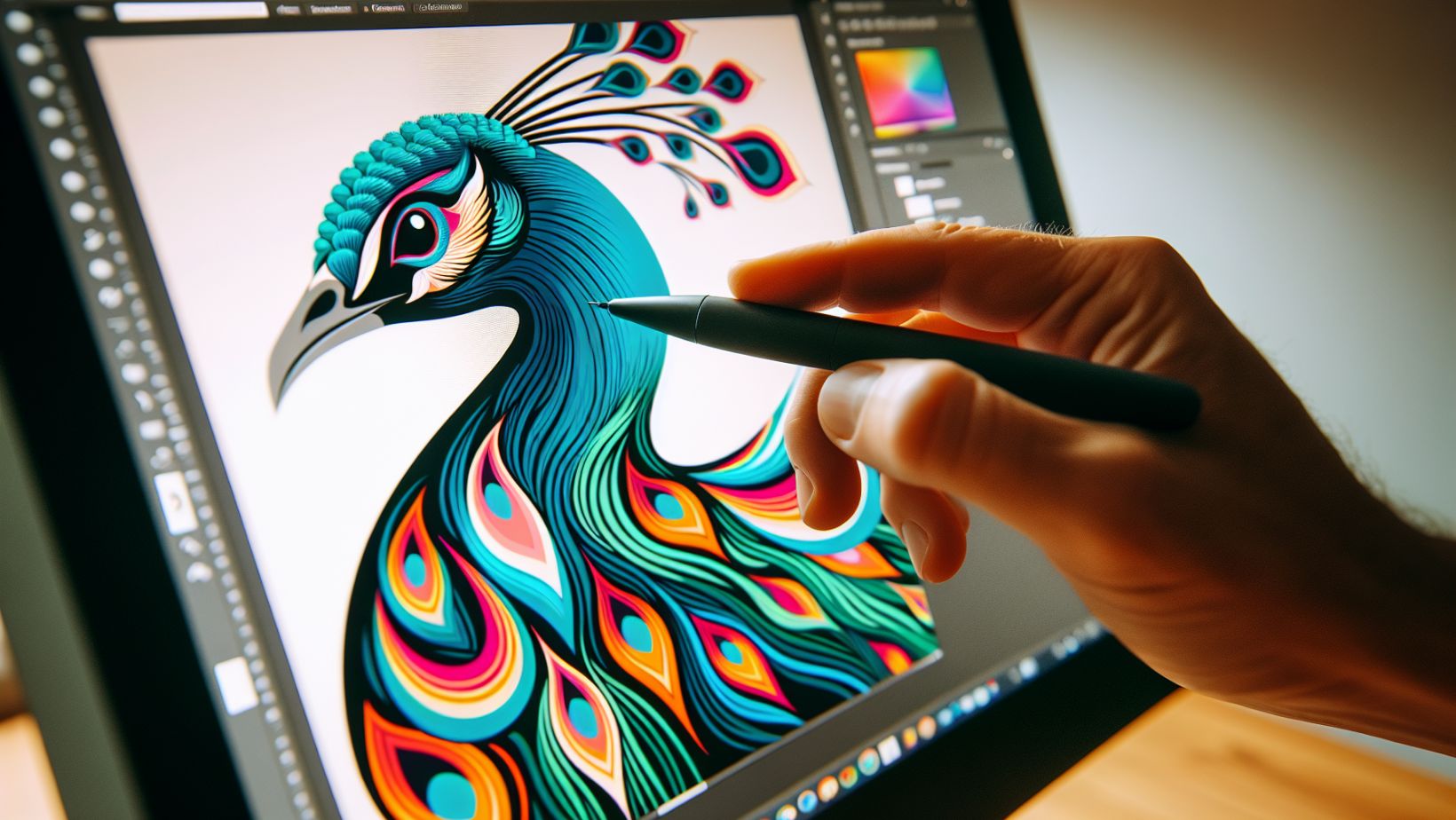
When it comes to crafting vector art and logos, Adobe Illustrator is an essential tool for any digital artist or graphic designer. Illustrator courses in Australia focus on teaching students how to create scalable vector graphics, particularly logos and graphics for branding and advertising.
These courses go beyond just teaching the basics. They delve into the nitty-gritty of the Illustrator workspace, teaching how to navigate and use essential tools such as the pen tool, pencil tool, and curvature tool. You’ll also learn to work with vector objects, layers, colours, types, and more.
From creating custom paths to saving images correctly for both web and print usage, these courses equip you with comprehensive vector graphic design skills. What’s more, students receive extensive support through electronic course materials, guiding them from the basics to more complex projects.
InDesign in Detail: Perfecting Publishing Projects

Adobe InDesign is a powerful tool for designing elegant layouts for both print and digital media. The InDesign courses in Australia cater to a range of publishing and design needs, equipping learners with the skills to design everything from flyers and brochures to magazines.
Beginners can start with the InDesign Essentials course to learn the basics of page setup, type creation and formatting, and importing images. Those with basic needs might opt for InDesign Lite, which covers basic document editing tasks. But for those looking to delve deeper, the InDesign Advancedcourse offers improved productivity and detailed techniques for long documents, as well as courses that focus on creating interactive PDFs and producing accessible documents for users with disabilities.
Whether you’re in Sydney, Melbourne, or Brisbane, or prefer online formats, these courses are accessible and facilitated by Adobe-certified instructors.
Navigating Course Options: Online and In-Person Learning
One of the key advantages of Adobe courses in Australia is the flexibility they offer. Whether you prefer self-paced online tutorials, live virtual classrooms, or in-person workshops, there’s a format to accommodate your learning preferences and requirements.
Self-paced online tutorials are perfect for those with demanding schedules, allowing learners to study at their convenience. For those who prefer real-time interaction, live virtual classrooms offer a balanced learning experience, making it ideal for distributed teams aiming to save on logistics while still participating in active learning.
On the other hand, in-person workshops, available in major cities, provide a traditional, collaborative, and disciplined learning environment, which can be particularly beneficial for grasping complex concepts.
Finding Your Fit: Choosing the Right Course Level
Choosing the right course level is crucial to your learning experience. Adobe courses are typically categorised by skill level, ranging from:
-
Beginner courses that cover the fundamentals
-
Intermediate courses that build on the basics and introduce more advanced techniques
-
Advanced courses that delve into more complex features and techniques
Beginner Adobe courses focus on essential skills and basic projects, making them suitable for those new to the software. Intermediate courses build on this foundational knowledge, introducing more sophisticated tools and techniques. For experienced users looking to master the software, advanced Adobe courses cover topics like responsive website design, complex selections, and professional retouching techniques.
By assessing your current skill level and choosing a course that matches, you can ensure a learning experience that is neither overwhelming nor unchallenging.
Education and Certification Pathways
Pursuing Adobe certifications can be a game-changer in your professional journey. Certifications such as Adobe Certified Professional (ACP) acknowledge an individual’s expertise in utilising Adobe Creative Cloud software, enhancing credibility and distinction in creative industries.
Certification can lead to new career opportunities and is associated with the potential for promotions and higher salaries, representing a validated level of skill and professionalism. There are various levels of certification targeted at both newcomers to Adobe Creative Cloud and seasoned experts, with the certifications actively integrated into educational programs to align with industry needs. Adobe certification exams, designed by industry professionals, are performance-based, allowing for testing in actual Adobe applications either online or at authorised centres.
Achieving Excellence with Adobe Experience Manager (AEM) Certification
For professionals aiming to demonstrate their expertise in managing content and digital experiences, Adobe Experience Manager (AEM) certification is a prestigious credential. AEM certification validates your ability to leverage the platform for building websites, mobile apps, and forms, making it ideal for marketers, IT professionals, and content managers.
The certification process involves rigorous exams that test a candidate's knowledge and practical skills in navigating the AEM environment. By achieving certification, professionals can showcase their proficiency in AEM's features, such as:
-
Managing websites and content with efficiency and creativity
-
Implementing digital asset management (DAM) strategies
-
Creating responsive designs for a variety of devices
-
Ensuring seamless workflows between marketing and IT departments
AEM certifications are recognised globally and can significantly enhance career prospects. Certified individuals are often sought after for their ability to deliver compelling customer experiences.
Preparing for AEM Certification
To prepare for AEM certification, candidates can take advantage of official Adobe training courses, which provide an in-depth understanding of AEM's capabilities. These courses are designed to equip learners with the knowledge needed to pass the certification exams and to apply AEM best practices in real-world scenarios.
In addition to formal training, practical experience with the platform is essential. Candidates are encouraged to work on AEM projects and to familiarize themselves with the latest updates and features of the software.
By combining training, experience, and the successful completion of the certification exam, professionals can attain a level of expertise that is highly valued in the digital content management industry.
Connecting with Expert Instructors
Learning from expert instructors can provide a significant boost to your learning experience. These industry professionals offer:
-
Practical tips
-
Workflow techniques developed through their professional experience
-
Facilitating learning through social interaction
-
Aiding in the comprehension of complex concepts
Instructors for Adobe courses are typically Adobe-certified, having met the standards set by Adobe for teaching their software. This direct interaction with experts in live virtual or in-person classes can enrich the learning experience, offering immediate feedback and personalised guidance.
Video Potential with Premiere Pro Training
Video has become a critical medium today, and Adobe Premiere Pro stands out as a leading tool for video editing. Our Premiere Pro Essentials and Advanced courses provide a comprehensive introduction to video editing in Australia.
These courses cover content creation for various platforms, including social media and websites, teaching skills such as basic editing, adding transitions and effects, incorporating audio, and video exporting. For those looking for advanced knowledge, the Premiere Pro Advanced course equips students with skills in workflow optimisation, file management, and solving complex editing challenges.
The courses also provide real-world examples, a free course resit opportunity, a year of email after-support, and recommendations for practising software skills post-training with the latest versions.
Enhancing Web Design Skills with Adobe Tools

Adobe Dreamweaver is indispensable for web designers. Adobe Dreamweaver training courses are accessible in Australian cities like Sydney, Melbourne, and Brisbane, and focus on both design and development aspects of web creation.
These courses deliver comprehensive learning experiences that teach:
-
Controlling page structures, layouts, content, and style
-
Building interactive database-driven applications and modern, responsive websites using web technologies such as HTML, CSS, and JavaScript
-
Integration with other Adobe applications like Photoshop and Illustrator
With small class sizes for a personalised experience, free class re-sits for up to 8 months, and free email support for up to a year, these courses enhance both creativity and productivity in digital media creation.
The Complete Package: Full Suite Mastery Programs
For those looking to master multiple Adobe Creative Cloud applications, the Full Suite Mastery Programs are an ideal choice. The Desktop Publishing Essentials Package, for instance, combines InDesign with Photoshop and Illustrator training, equipping learners with the skills to design for both print and digital media.
This expansive range of courses, offered by City Desktop Training, covers beginner to advanced levels for Creative Cloud applications, providing a comprehensive learning experience that prepares you for any creative challenge. Our courses include beginner-level proficiency, such as with Premiere Pro Basics and Illustrator Essentials.
Tailored Training Solutions: Corporate and Group Sessions
In a corporate or group setting, tailored training solutions can be incredibly beneficial. Adobe training programs, including effects training, serve various professional backgrounds, making them essential for marketers, developers, and creatives looking to advance their skills.
With City Desktop Training, you can benefit from:
-
Customised training options that are fully equipped and centrally located
-
Training specifically arranged to meet your industry needs and project goals
-
Aligning training budgets with execution, focusing on high-value activities and financial planning
-
Ensuring team resource optimisation and strategic alignment
Accessing Resources and Support Networks
During your Adobe education journey, resources and support networks can significantly enhance your learning experience. Adobe Creative Cloud users can seek support and share knowledge on the Adobe Experience League community, where they can connect with experts, participate in discussions, and find resources tailored to their needs.
Adobe User Groups offer a platform for users to connect with peers, enhance their product expertise, and participate in events that may include earning Adobe swag. Publications like Create magazine, a publication by Adobe, aim to inform, enlighten, and inspire designers and developers, complementing full-suite mastery programs. Preparing for Adobe certifications includes accessing resources that can help build skills, confidence, and professional networks, such as Exam Guides offered by Adobe.
Additional resources include:
-
AdobePress, which offers a selection of training materials on topics ranging from web development to design and Photoshop
-
Adobe XD, which supports integration with other Adobe Creative programs like Photoshop and Illustrator, enhances the design workflow
-
Adobe Express, a powerful tool that complements Adobe XD and Photoshop, streamlines the design process for web and app projects by offering shareable libraries to keep all design assets well-organised and accessible.
Courses in Adobe XD often include learning how to create style guides, interactive prototypes, and animation within the software, skills valuable for an experienced designer aiming to produce professional-level work. Direct support from Adobe can be accessed for technical help, where users can also check the status of Adobe services if they encounter issues.
Hone Your Adobe Skills Today
A diverse range of Adobe courses is available in Australia. From mastering individual Adobe Creative Cloud applications like Photoshop, Illustrator, InDesign, and Premiere Pro, to opting for full suite mastery programs, the options are extensive.
Whether you prefer self-paced online tutorials, live virtual classrooms, or in-person workshops, there’s a format to match your learning preference with City Desktop's Adobe courses. Moreover, the availability of resources, support networks, and certification pathways ensures a rich and rewarding learning experience. So, why wait? Start your Adobe education journey today and get creative!
Frequently Asked Questions
How long does it take to learn Adobe Suite?
It generally takes about three months to become proficient in an Adobe application, but this can vary depending on the complexity of the application and individual learning speeds. Keep practising and be patient with yourself as you progress in learning the Adobe suite.
What is Adobe Creative Suite called now?
The Adobe Creative Suite is now known as Adobe Creative Cloud. It includes a variety of creative apps for tasks such as image editing, video editing, graphic design, and more, all available through a cloud-based subscription.
What Adobe courses are available in Australia?
In Australia, you can find Adobe courses covering Photoshop, Illustrator, InDesign, Premiere Pro, web design skills, and combined suite mastery programs. These courses offer comprehensive training in essential Adobe software.
What formats are Adobe courses offered in?
Adobe courses are offered in self-paced online tutorials, live virtual classrooms, and in-person workshops, providing flexibility for different learning styles.
































