
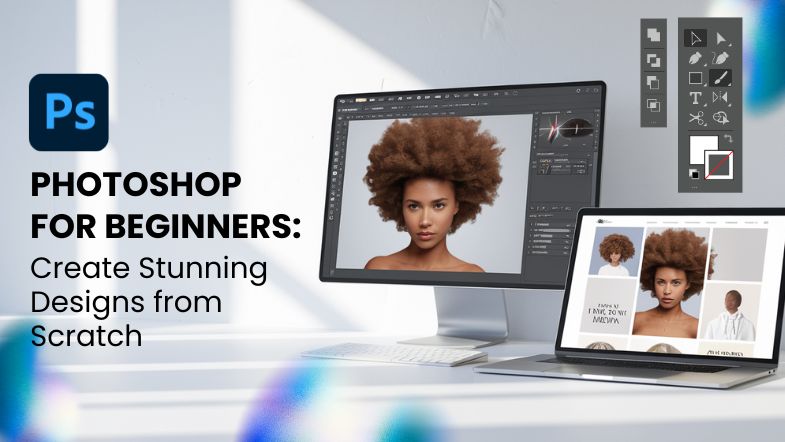
Adobe Photoshop is a popular choice for image modification and digital design. Beginners who want to create small art projects should learn the basics, while experienced artists can refine their work by understanding the fundamentals. It is important to learn those basics to reach your maximum potential as a designer. Photoshop provides many options that can help improve images, construct designs for digital content, or even create original artwork.
If you often times wonder how professionals make impressive visuals or image modifications, the answer is usually Photoshop. This introduction for people new to the program will cover key elements and features along with approaches that will aid you in starting with Photoshop so you can begin creating visuals and modifying images like a pro!
Why Photoshop Is a Game-Changer for Beginners
Photoshop is more than just a photo editing tool. It is a full software suite that lets you create graphics, change images, and develop designs for anything from social media to marketing items.
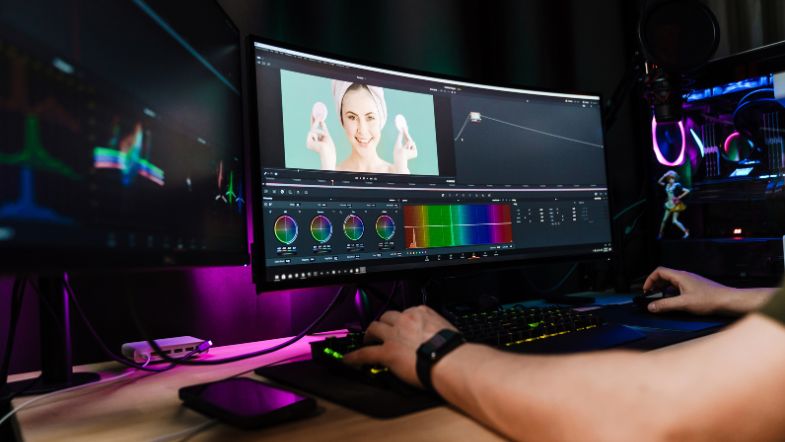
As one new to the program, you might feel stressed by all its features, but once you learn the basics, Photoshop becomes a helpful asset for your projects. Here’s why learning Photoshop is a game-changer:
1. Comprehensive Editing Tools
Photoshop allows you to edit and enhance photos with a range of tools that let you adjust brightness, contrast, colour, and exposure. Its retouching tools can remove blemishes, smooth skin, and adjust sharpness. These features make it the go-to tool for photographers and graphic designers alike.
2. Versatile Design Platform
Photoshop isn’t just for photos. With the right techniques, it can be used in creating logos, digital graphics and printed materials. Whether the goal is to develop flyers, business cards, or posts for social media, Photoshop offers users versatility so they can design projects from the start and perfect them.
3. Layer-Based Editing
Layers make it possible to isolate various elements of a design, making it simple to adjust plus change certain parts without affecting the rest of the project. This non-destructive process provides the user with the freedom to try new things without being concerned about ruining the project.
4. Professional-Grade Results
Photoshop has a solid reputation as the industry standard with regard to photo adjustments and graphic design. As knowledge of how to utilise the program grows, so do the skills necessary to produce refined, high-quality designs.
5. Endless Creative Possibilities
Photoshop allows the user to be in total control of the look of a project. Whether the aim is abstract art, adjusting photos or creating realistic visual parts, Photoshop offers the tools as well as features that are needed to make the idea come to life.
Skills You’ll Gain from Photoshop for Beginners Training
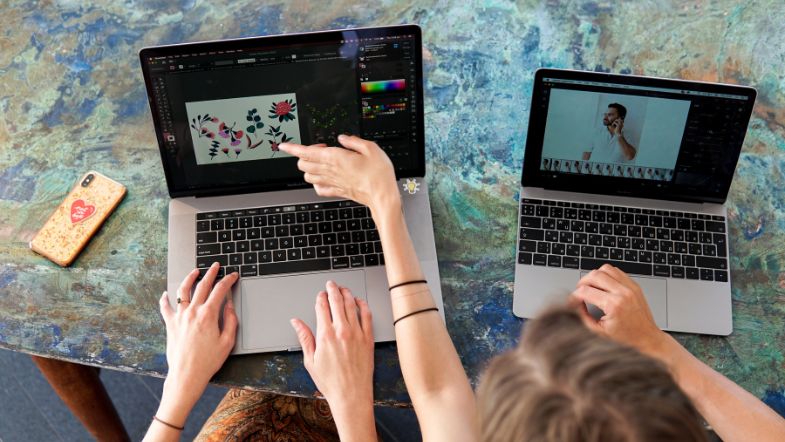
Beginning with Photoshop can seem hard, especially with its many features. With proper guidance and study, you will be able to build your base and get the skills needed to work well. Here are the key skills you’ll develop through Photoshop for beginners training:
1. Navigating the Photoshop Workspace
The first thing about being skilled in Photoshop is getting used to its layout. The workspace may look complicated at first, but once you learn how the different panels and menus work, you will be able to move about with ease. Some key parts include:
Tools Panel: This panel contains all of Photoshop’s core tools, including the selection tools, painting tools, and retouching tools.
Layers Panel: Here, you can manage and organise the different elements of your design.
History Panel: This panel lets you view and revert to any of your previous actions, making it easy to undo mistakes.
2. Working with Layers
One of Photoshop’s most useful things is its use of layers. Layers let you work on varied parts of a picture on their own. If you want to add words to a picture, you can make a new text layer. Then, you can change its size and spot without changing the photo under it. Other basic actions with layers include:
Layer Styles: You can apply various effects like shadows, glows, and outlines to individual layers.
Layer Masks: Masks allow you to hide or reveal parts of a layer without permanently deleting them. This non-destructive editing technique is crucial for advanced photo manipulation and design work.
3. Basic Photo Editing
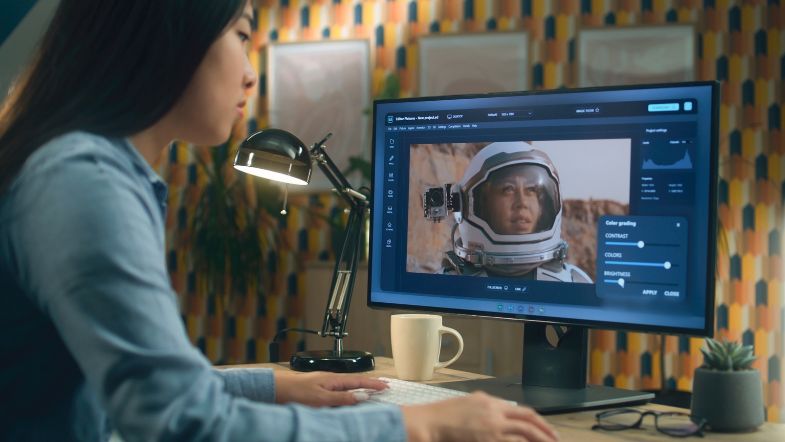
Photoshop is most widely known for its ability to edit and enhance photos. With Photoshop’s photo-editing tools, users are able to:
Adjust Colors: Adjustment tools let you change the brightness, contrast, and exposure next to the saturation of a picture. This helps to improve the photo without permanently changing the initial version.
Retouching: Photoshop has functions like the Clone Stamp and Healing Brush, which get rid of spots, lines, or unwanted things in your pictures.
Cropping and Resizing: Learn how to crop and resize photos for use in different formats, whether it’s for print or web.
4. Creating and Editing Text
Adding text to your designs is easy in Photoshop, but it’s not just about typing words on a page. With Photoshop, you can:
Manipulate Text: Adjust the size, colour, and font of your text to fit the tone and theme of your design.
Text Effects: Apply text effects like drop shadows, glows, and 3D effects to make your typography stand out.
5. Selections and Masking
Selecting specific parts of an image allows you to edit just those areas. Photoshop offers a range of selection tools to help you do this:
Marquee Tool: This is for creating simple rectangular or elliptical shapes.
Lasso Tool: Great for freehand choices, it allows you to trace around an object with ease.
Quick Selection Tool: This one simplifies the selection of sections in a picture depending on colour or texture.
Once you’ve selected an area, you can apply adjustments or masks to that part of the image while leaving the rest untouched.
How Photoshop Training Drives Impact
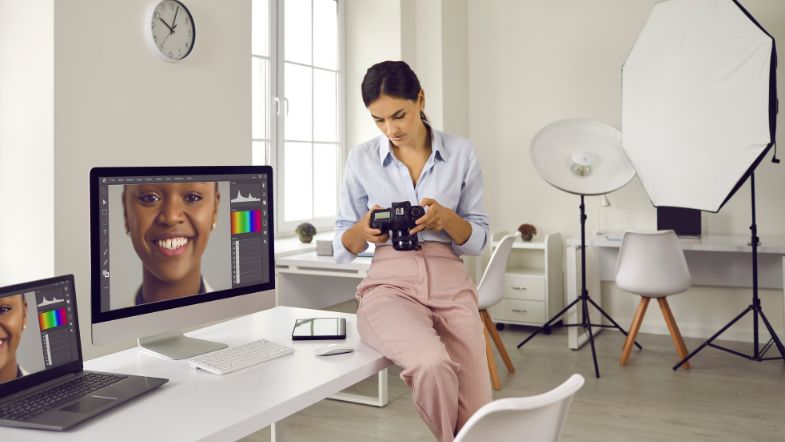
With the right training, you’ll be able to apply your newfound skills to enhance your creativity, boost productivity, and expand your career opportunities.
1. Boost Your Creativity
Knowing Photoshop lets you make your ideas come to life. You can try out different effects and colour plans along with design ways, which lets you push the limits of your work. As your skills grow, you will get the trust to make truly new and fresh designs.
2. Increase Productivity
Learning the ins and outs of Photoshop’s tools and routes will help you work more well. As you get more skilled, things such as cropping, changing colours, and adding words will become like a reflex. The power to improve your workflow means you will be able to take on more plans and meet dates with more force.
3. Open Career Opportunities
Photoshop is a key skill in many fields, such as graphic design, advertisement, and photography. Familiarity with Photoshop may lead to fresh work prospects; one could be a graphic designer, a photo editor or even an artist who works with digital media.
4. Enhance Personal Projects
When someone creates their own artistic projects or prepares content intended for their media accounts, Photoshop helps improve that work. It gives the user the capabilities needed to create impressive visuals. By improving skills with use, a unique style will grow.
Take the Next Step in Your Creative Journey
Whether you’re looking to enhance your career or create stunning visuals for personal projects, Photoshop is the key to unlocking your creative potential. With our Photoshop for Beginners course, you’ll gain the skills and confidence to take your designs to the next level.
Ready to get started? Sign up for our Photoshop for Beginners course today and begin mastering the art of digital design!
































