

Looking for the right video editor can be overwhelming, whether you’re a seasoned pro after the latest features or a newcomer aiming for a smooth start. Our comprehensive guide cuts through the noise, handpicking the top editors for videos to match every skill level and requirement—from advanced tools for professionals to free options for beginners.
Discover vetted choices that balance power, ease of use, and cost-effectiveness, all distilled from expert reviews and rigorous testing.
How Difficult is Video Editing?
Don't let the prospect of learning video editing intimidate you. It's quite manageable to pick up the basics and continually build upon them. Regardless of the video editing software you choose, there's a wealth of tutorials available to help you get started, many of which are freely provided by the software developers themselves. For insights into getting started with Premiere Pro, our guide to Premiere Pro tutorials is a great resource.
Read our guide: Master Video Editing: The Essential Guide to Adobe Premiere Pro
Choosing the Right Video Editing Software
Whether you are an expert in video editing looking for sophisticated capabilities or a novice in search of an easy-to-use interface, there’s appropriate software available to meet your needs.
When selecting a video editor, consider its performance as video editing tasks can be demanding on resources. Essential functions to look out for include merging clips together as well as cutting and dividing them into segments. Keep in mind that mastering the art of video editing is something that comes with practice.
We’ve made choosing the right video editing software easier by drawing on authoritative critiques and hands-on trials. We also evaluated each program based on support options like helpful resources and community forums since these factors significantly contribute to user education and problem-solving abilities during use.
Top Picks for Professional Video Editors
For video editing professionals, software equipped with advanced tools and features is crucial. The leading choices in this domain encompass the likes of Adobe Premiere Pro, Final Cut Pro X, and DaVinci Resolve – all of which are widely recognized as some of the best video editing software available.
Adobe Premiere Pro appeals to a wide spectrum from expert editors to passionate beginners due to its expansive capabilities. Some key offerings include:
-
A broad array of effects
-
Robust colour modification utilities
-
Collaborative functionalities for team projects
-
Automated caption generation
-
Text manipulation within videos
These enhancements have notably bolstered the prowess of Adobe Premiere Pro.
DaVinci Resolve stands out with its unique attributes such as:
-
A node-based approach to editing workflows
-
Detailed in-effects adjustments
-
Precise keyframe management
-
Acclaimed colour correction functionality
-
Sophisticated audio tools that cater to intricate editorial requirements
For those devoted Mac users, Final Cut Pro delivers exceptional performance, especially on machines powered by Apple’s own silicon chips. It has been fine-tuned specifically for this ecosystem, making it an outstanding choice among video editors who use Macs.
Best Free Video Editing Options
You don’t necessarily have to spend a lot of money to get great video editing software. There are top-notch free options available. DaVinci Resolve stands out by offering advanced features such as colour correction, audio enhancement, and special effects that cater to both Windows and Mac users.
For those using a Mac, iMovie is an excellent no-cost option for video editing with its straightforward interface designed specifically for amateurs. Meanwhile, Clipchamp presents itself as an easy-to-use online service suitable for quickly creating videos, even though it comes with certain drawbacks like watermarks and limited resolution unless you pay.
It’s important to note that some free video editing software may come with limitations due to the need for licensing fees associated with commonly used codecs. This can influence legal rights and technical matters including output formats.
There are open-source programs like Shotcut, Kdenlive, and Openshot which offer functionality comparable to commercial products without any financial commitment for editing video required from the user.
Ideal Choices for Beginners
If you are venturing into the realm of video editing for the first time, selecting software that features an intuitive interface and is tailored to newcomers can be extremely beneficial. Adobe Premiere Elements emerges as an excellent option for novices. This program deals away with the annual subscription model in favour of a one-time purchase system while providing powerful capabilities such as Guided Edits.
Another accessible choice for those just starting with video editing is Wondershare Filmora. It’s pocket-friendly and comes packed with a vast array of straightforward tools. Licenses are available quarterly at $29.99 or you can opt for permanent access by securing a lifetime license at $79.99. They also have a downloadable version that is completely free.
Programs like Magix Movie Studio, Corel VideoStudio Ultimate, and Nero Video receive acclaim due to their uncomplicated layouts and ease-of-use nature which appeal greatly to beginners in video creation. Luxemburg. Pro particularly stands out because it offers both effectiveness and simplicity within its design framework.
You may also opt to buy Adobe Premiere Elements upfront without subscription fees, compared with procuring Luxea Pro through either an annual membership costing $49.99 or purchasing perpetual usage rights priced at $99.
Next Level Video Editing

If you’ve become proficient in basic video editing, it might be time to explore editors that offer a suite of more advanced features. Notable choices include:
-
Corel VideoStudio: This user-friendly option stands out for bringing consumer-level motion tracking into the mainstream and offering sophisticated tools.
-
DaVinci Resolve: A professional-grade editor recognised for its compatibility with various external plug-ins and apps, which amplify its motion-tracking capabilities.
-
Premiere Pro: Similar to DaVinci Resolve, this professional tool also supports an array of plug-ins and applications designed to elevate your motion-tracking work.
These software options are equipped with enhanced features that will cater well to your advanced video editing projects.
Movavi Video Editor is another program worth considering. It facilitates chroma keying allowing you to switch out backgrounds effortlessly while supporting the creation of 4K content. Movavi has integrated AI-driven motion tracking technology enabling greater accuracy. Multicam editing - once limited to high-end products, can now be found in software aimed at hobbyists like CyberLink PowerDirector.
Artificial intelligence-powered utilities are becoming increasingly common within the realm of video editing as well. These innovative tools introduce automatic caption generation, fine-tuned colour correction services, and generative AI methods intended to refine overall user workflows when producing videos.
Mobile Video Editing Apps
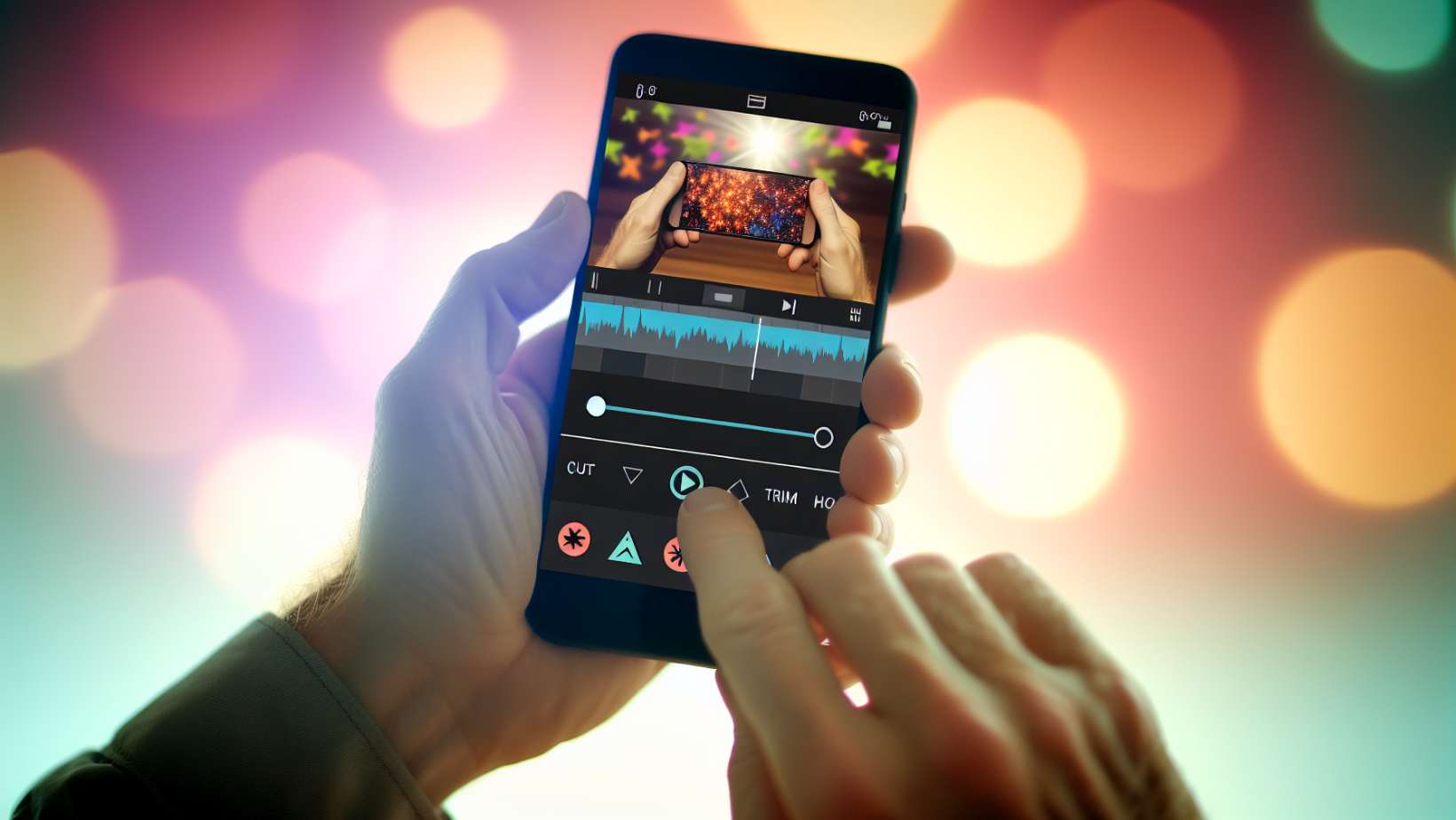
Individuals who enjoy video editing on their mobile phones have access to a number of video editing applications, among them are free options that can be quite handy. Adobe Premiere Rush and iMovie for iOS users, as well as CapCut from TikTok, offer effective ways to edit videos directly on smartphones.
Features included with Adobe Premiere Rush consist of:
-
A simplified interface designed for ease of use
-
Oversized icons suitable for touch input
-
Rapid editing tools
-
Integration capabilities with the desktop version of Premiere allow you to pick up where you left off
Adobe offers a free iteration of Premiere Rush. Alternatively, individuals may opt for the paid Express plan at $9.99 per month if they need support for high-resolution video exports surpassing 1080p resolution.
CapCut enjoys a vast user base with over 100 million downloads via Google Play alone and delivers an all-encompassing experience in video editing—perfectly tailored for avid content producers frequenting platforms such as TikTok.
For those wielding Apple gadgets, iMovie is engineered specifically around the nuances of iOS hardware and software interfaces while providing advanced features including green screen effects. These enable creators to fabricate cinema-quality footage.
CyberLink PowerDirector stands out as another option amongst mobile apps dedicated to crafting videos – it builds upon its robust presence already established through its desktop-based counterpart.
Video Editing Software for Specific Needs
In certain scenarios, you may require video editing software that satisfies specific editing needs. For instance, Clipchamp is noteworthy as a flexible web-based video editing platform that allows for quick adjustments across different operating systems, thanks to its browser-based nature. It offers a variety of features and integrations, unbound by the limitations of any single operating system.
For Windows users looking for a user-friendly video editing solution, Luxea Pro is an excellent contender. Tailored for users who are not video editing experts, it features a user interface that is straightforward to navigate.
Social Media and YouTube Content Creators
Several video editing tools are designed to support social media and YouTube creators by providing them with specific templates and functionalities crafted for the production of social media videos. Notable examples include:
-
Clipchamp: This offers a wide selection of tailor-made templates that can be used directly in web browsers, facilitating swift online video edits.
-
Wondershare Filmora: It features an assortment of templates and special effects created with the needs of social media producers in mind, making it easier to generate content fit for platforms like YouTube and TikTok.
-
Adobe Premiere Rush: Aimed at aiding content makers through efficient video editing software capabilities, this tool also enables direct uploads of videos to various social channels.
These options enable creators on different digital platforms to develop professional-grade video content tailored specifically towards their audiences.
On mobile devices, numerous apps come equipped with pre-designed templates. This feature allows users quick assembly options combining photographs and clips into seamless videos; perfect for distribution across multiple forms of digital communities.
Windows and Mac Compatibility
It’s crucial to select video editing software that aligns with your computer’s operating system. Mac users, for instance, find great value in Final Cut Pro thanks to its expedited playback, rendering capabilities, and trackless timeline design. This particular software comes highly recommended for those on the Apple platform because of its comprehensive professional tools tailored specifically for Apple silicon-based Macs.
Meanwhile, Windows users have access to complimentary services like ClipChamp, which provides fundamental features and effects essential for video editing. Should you need high-resolution 4K exports, investing in a premium subscription becomes necessary.
360-Degree VR and 4K/8K Support
If you’re working with high-resolution or 360-degree VR videos, you’ll need software that supports these types of editing. Most top video editing software supports 4K content while professional applications provide support for 8K.
Advanced video editors, such as Adobe Premiere Pro and Final Cut Pro, offer specialised tools for editing and enhancing 360-degree VR footage. DaVinci Resolve and Wondershare Filmora are recognised for their ability to handle 4K content efficiently, with features that cater specifically to high-resolution video editing needs. Among these advanced options, selecting the right video editing tool is crucial for achieving professional results.
Advanced features such as HDR support, multicam editing, and wide colour spaces are crucial for professional-grade editing of high-resolution videos. Software like Final Cut Pro, Corel VideoStudio Ultimate, and Pinnacle Studio Ultimate demonstrate these capabilities.
Enhancing Audio and Visual Effects
By leveraging the capabilities of your preferred video editing software, you can significantly improve the visual appeal of your videos by implementing techniques such as:
-
Colour correction to control every shade’s vibrancy
-
LUTs for uniform colour alterations that aid in setting a consistent mood or aligning footage from various cameras
-
Title effects to enhance visual interest and give a more professional look
-
Audio enhancement features to elevate sound quality and audibility
These enhancements allow elevating your video content, crafting sophisticated video tracks that captivate viewers with their polished finish.
For title animations, options range from creating three-dimensional titles to modifying transparency levels, gradient colours, and blur intensity. Sophisticated programs like Final Cut Pro and PowerDirector’s Title Designer present extensive customisability.
To refine audio within your projects further:
-
Employ panning techniques
-
Adjust stereo imaging for spatial effect
-
Automate volume levels
-
Utilise dialogue improvement tools
Note that advanced filters are at one’s disposal.
Sound design is enriched through the careful integration of Foley sounds. Meanwhile, multitrack mixing consolidates dialogues with musical score elements and environmental noises, resulting in richly layered acoustics.
Finally, tailor-made visual effects and transitions are integral components. These are furnished by various video editing platforms that contribute indispensably towards sculpting a distinct cinematic experience whilst retaining viewer attention throughout.
Tips for Improving Your Video Editing Skills
Having some tricks up your sleeve when learning how to edit videos is advisable.
Learn Keyboard Shortcuts
No matter how advanced your video editing software is, the key to producing captivating content lies in continuously refining your video editing abilities. To do this effectively, mastering and applying keyboard shortcuts within the video editing software can save precious time and elevate efficiency.
Watch Guides and Tutorials
Exploring guides and tutorials is instrumental in deepening your understanding of the intricacies involved in editing videos as well as pinpointing which particular video editors suit your creative requirements best. Committing a specific portion of time for regular practice will not only bolster your skills but also keep you up-to-date with industry standards.
Practise Editing Short Clips
Initiate by practising on short segments before diving into more sophisticated projects involving editing such as multi-layered timelines or complex effects work. Learning resources like classes, online instructionals, and comprehensive manuals provide valuable guidance throughout this journey.
Articulating clear objectives before jumping on an editing task ensures that the end product resonates correctly with its target viewership.
Get Some Pointers from Pros
Take on every project through a storyteller’s lens—aim to construct narratives that imprint themselves onto the viewer’s minds long after they’ve watched them. Emulate tactics employed by seasoned professional video creators regarding aspects such as shot selection, lighting nuances, and auditory design.
Infuse these learnings with distinct personal flair without excessively relying upon gimmicky effects or music, which might compromise viewer engagement levels instead of enhancing them.
Join Communities
Immerse yourself within communities composed of fellow visual content manipulators where one could receive constructive feedback and deploy novel techniques. Start your educational journeys and build partnerships ready for future collaborative ventures.
Making aspiring edits publicly available via contest entries or social media platforms serves as excellent reference points. This is particularly instrumental for measuring development while perfecting storytelling craftsmanship.
Lastly, never shy away from revisiting previous works and modifying them using newfound methods.
Learn Video Editing with Nexacu
Video editing software exists to suit individuals at any skill level—from novices to experts—and accommodate all financial plans, including complimentary alternatives as well as premium versions requiring payment.
If you're looking to enhance your video editing skills, Nexacu offers a range of courses that cater to various levels of expertise. Whether you're just starting out or looking to refine your techniques, Nexacu provides professional training to help you master your chosen video editing software.
With courses designed to be practical and hands-on, you can learn the ins and outs of video editing from industry experts.
Book your spot and start your journey to becoming a proficient video editor with Nexacu's expert guidance.
Frequently Asked Questions
Is a video editor free?
Indeed, Adobe Express offers complimentary video editing capabilities that enable you to craft and refine videos at no cost while providing a straightforward user interface. You have the convenience of exporting your completed video projects in MP4 format for personal use.
What do most YouTubers use to edit their videos?
Numerous well-known YouTube content creators opt for editing software such as Final Cut Pro, iMovie, and Premiere Pro to craft their videos. The widespread use of iMovie can be attributed to its easy availability on Apple products.
Among these options, Adobe Premiere stands out as the preferred tool for high-profile YouTubers like PewDiePie.
How much should it cost to edit a video?
The price range for hiring a freelance video editor typically spans from $300 to $800 daily. Seasoned editors command prices at the upper end of this spectrum, while those just starting out in video editing can be secured at the lower end. You can also find a free video editing app that works for you.
What are some top picks for professional video editors?
In professional video editing, leading choices such as Adobe Premiere Pro, Final Cut Pro, and DaVinci Resolve are highly recommended. They offer sophisticated capabilities designed to accommodate intricate video editing needs.
What are some free video editing options?
Consider selecting from options like DaVinci Resolve, iMovie, or Clipchamp if you’re in search of stellar free video editing software that caters to both novices and seasoned professionals.
Base your choice on the particular requirements you have for your video editing projects.
































