
AI Governance Framework: What Comes Before a Policy
94% of Australian organisations say they follow AI standards. Only 33% have an AI governance committee. Learn what a risk assessment covers, and why the policy comes last.
Insights & Blogs
Discover articles and tutorials to help you build better.

94% of Australian organisations say they follow AI standards. Only 33% have an AI governance committee. Learn what a risk assessment covers, and why the policy comes last.
94% of Australian organisations say they follow AI standards. Only 33% have an AI governance committee. Learn what a risk assessment covers, and why the policy comes last.
In the rush to adopt AI tools, many organisations are discovering that technology alone doesn’t deliver results. The real advantage now lies in human skills emotional intelligence, adaptive leadership, resilience, and the ability to lead people through rapid change.
EOFY reporting does not need to mean spreadsheet chaos. Learn five practical Excel skills that help Australian and New Zealand teams clean data, reduce manual work, summarise results faster and build more reliable year-end reports.
Copilot can make Power BI faster, but only when your data model, measures, metadata and governance are ready. Learn why Power BI Copilot gets answers wrong and how to improve accuracy.
Copilot can make Power BI faster, but only when your semantic model gives it the right context. Learn what makes a Power BI model Copilot-ready.
Power BI Copilot prompts include the metric, time period, comparison point, segment and output format. Learn why better questions lead to better AI-assisted reporting outputs.
Power BI Copilot can support faster reporting and analysis, but its outputs still need review. Learn how model quality, prompting, validation and governance affect trust.
Copilot does not replace Power BI analysts. It changes their role by reducing repetitive reporting tasks while increasing the need for model design, validation and governance skills.
Power BI Copilot changes how users explore, summarise and generate insights, but it does not replace strong semantic models, accurate measures, DAX knowledge or validation.
Learn how to turn a Word file, PDF or paper document into a professional fillable PDF form in Adobe Acrobat. This practical guide covers field creation, formatting, signatures, testing, accessibility and workplace best practices.
Copilot in Teams eliminates post-meeting admin by automatically generating structured summaries, action items, and full transcripts from any transcribed meeting. This guide walks through the complete workflow from enabling transcription to prompting Copilot mid-meeting and connecting the recap to a follow-up email in Outlook.
Learn how to use Pivot Tables in Excel to summarise data, analyse trends and build clearer reports. This complete guide covers setup, formatting, advanced features, common fixes and practical business examples.
Learn how to build approval workflows with Power Automate using SharePoint, Outlook and Teams. This practical guide covers setup, workflow design, common use cases, quick fixes and next steps for Microsoft 365 teams.
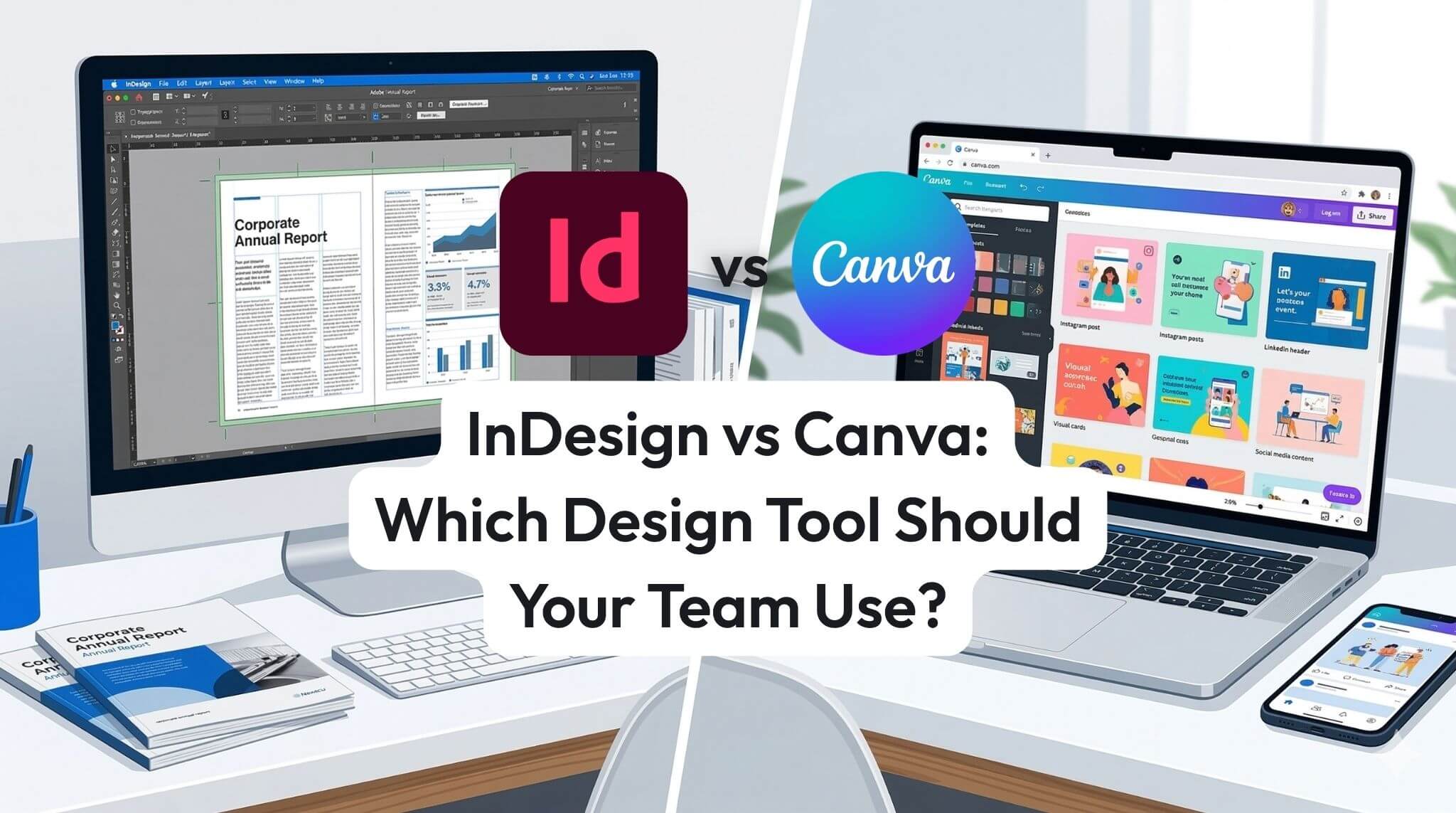
InDesign and Canva both have a place in modern business teams, but they solve different problems. Canva is ideal for quick social graphics and fast template-based content, while Adobe InDesign is better for professional documents, multi-page layouts, and precise brand control. This guide compares the key differences, business use cases, and practical considerations to help your team choose the right design tool.
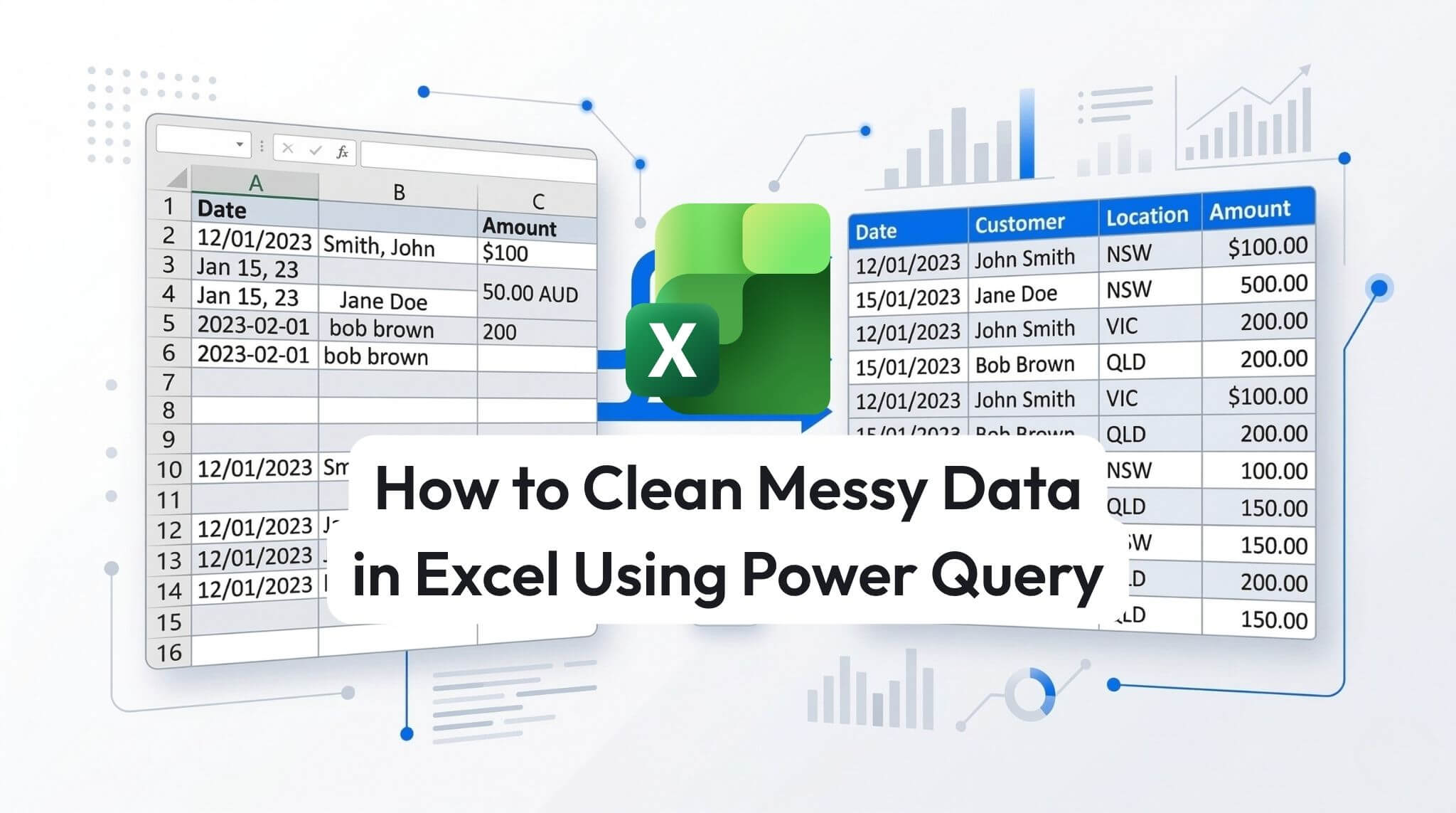
Cleaning messy Excel data manually is slow, repetitive, and prone to errors. Power Query gives you a faster, more reliable way to import, clean, and reshape data using repeatable steps. This practical guide shows you how to remove unwanted rows, split columns, replace inconsistent values, fix data types, and load clean data back into Excel for reporting, analysis, and dashboards.
Creating your first logo in Adobe Illustrator does not need to be overwhelming. This beginner-friendly guide walks you through the basics of building a simple vector logo using shapes, type, colour, and clean alignment. Learn how to set up your file, refine your design, avoid common mistakes, and export a logo that stays sharp across print and digital use.
AI agents are changing work by moving past “answering questions” to completing tasks across Microsoft 365. This guide explains what agentic AI is, what Microsoft Copilot Studio enables, and how organisations can start building safe, useful agents with measurable impact.
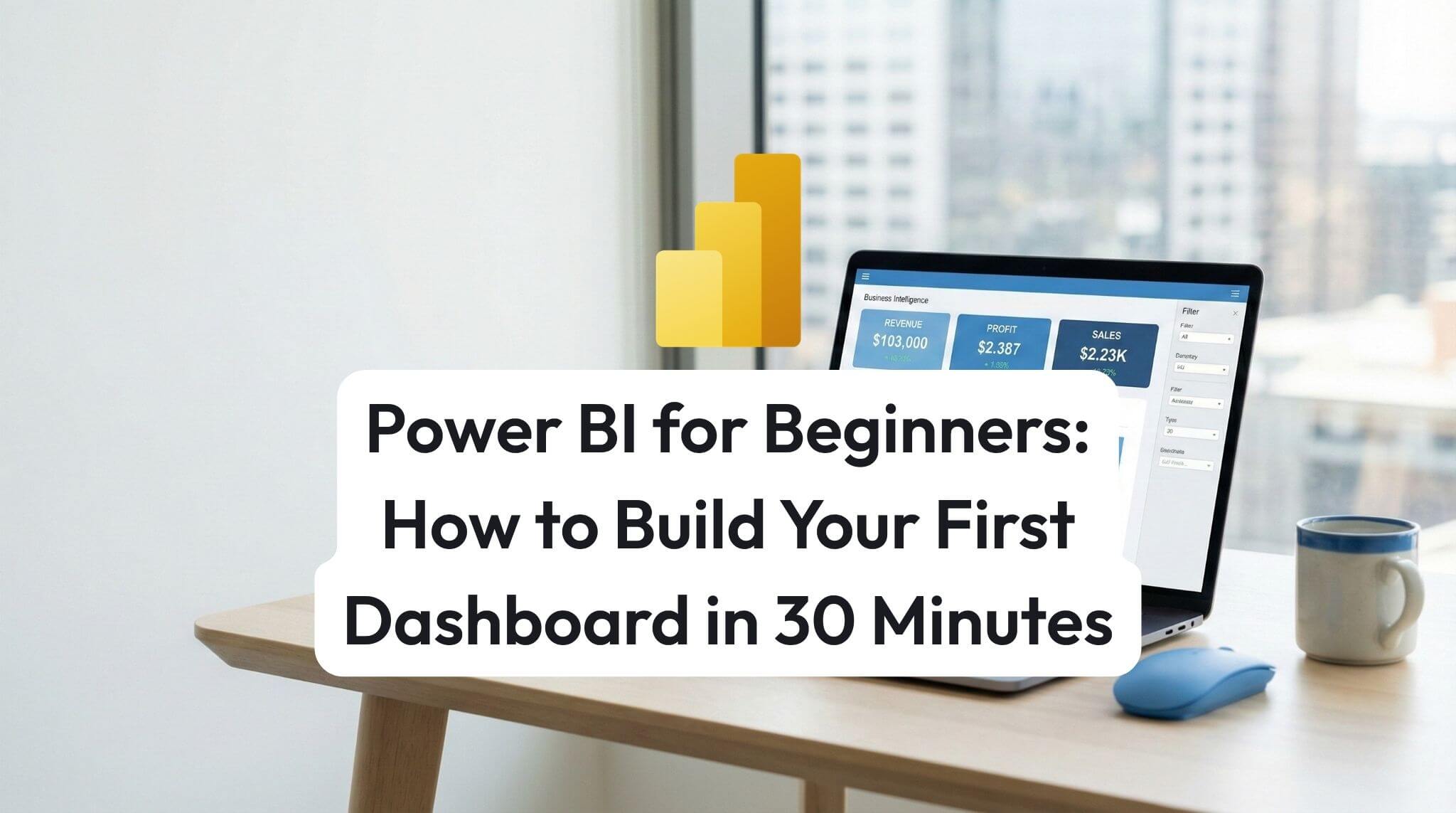
Build your first Power BI dashboard in 30 minutes by importing sample data, creating a simple report page, publishing to the Power BI service, and pinning key visuals as dashboard tiles.
Still deciding which webinar is best for your team? This guide helps you match Nexacu’s webinars to your goals and roles, explains what you’ll gain from attending, and shows how to maximise value with a simple 7-day implementation plan, including practical Copilot security and privacy guidance.
Conditional formatting helps Excel highlight what matters automatically from overdue dates and duplicates to heatmaps and progress bars. This practical AU/NZ guide covers the main formatting types, shows a powerful formula-based rule, and explains how to manage rule priority for clean, reliable reports.
at Nexacu, we're proud to be the trusted training partner for hundreds of leading organisations accross Australia and New Zealand. From government departments to top corporates, we help teams upskill and succeed everyday









Students
4 & 5 Star Reviews
Google Reviews
Businesses Trust Nexacu

Custom workbook included with a step by step exercises




Resit your course for free within 6 Months


















Valued by Individuals
